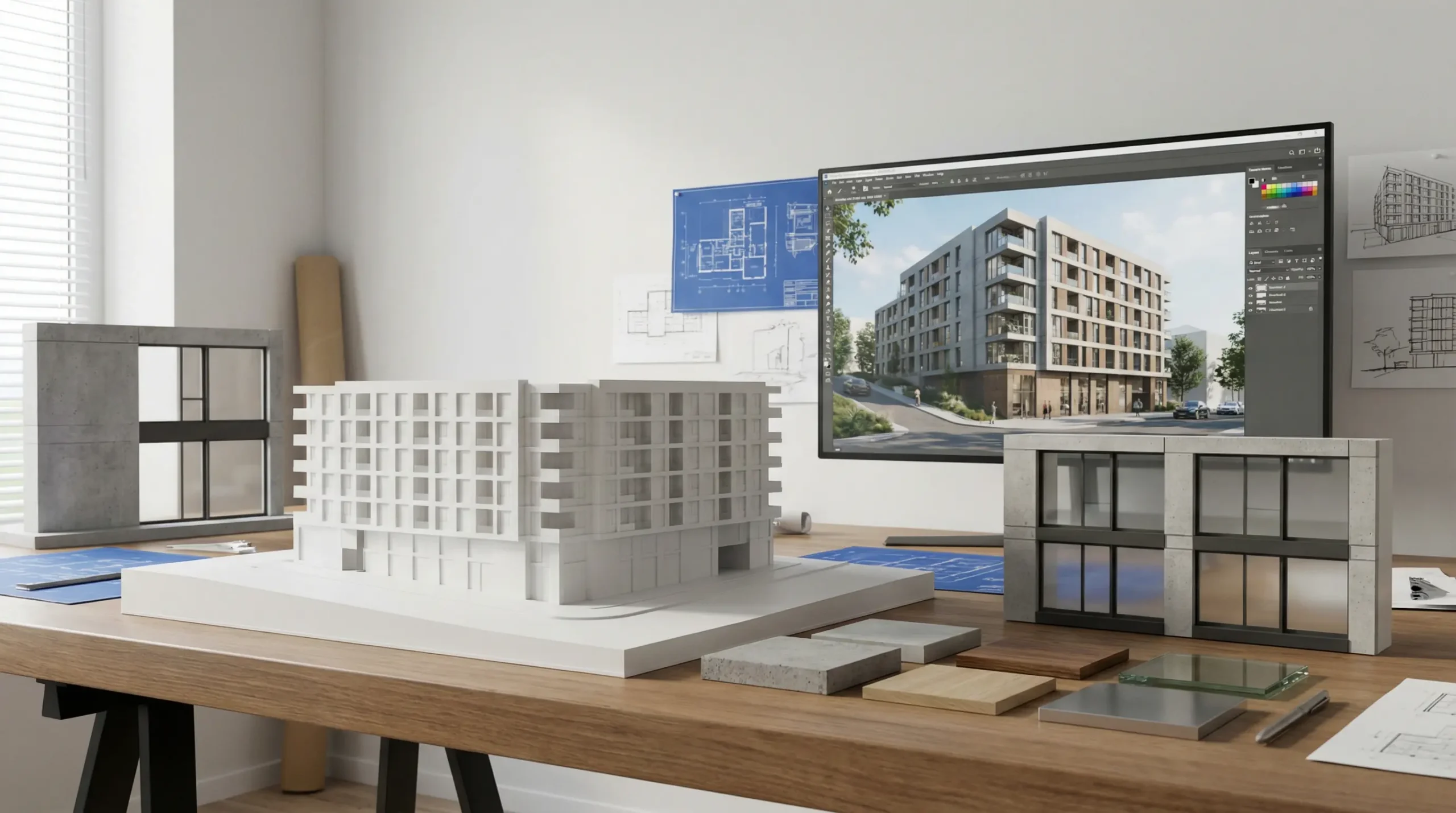
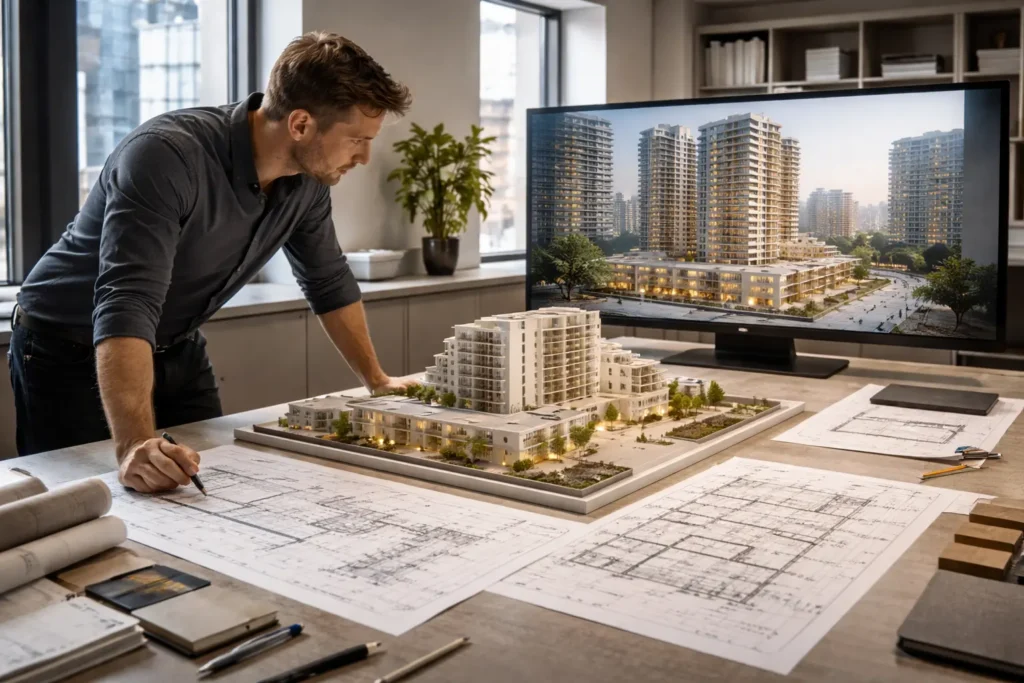
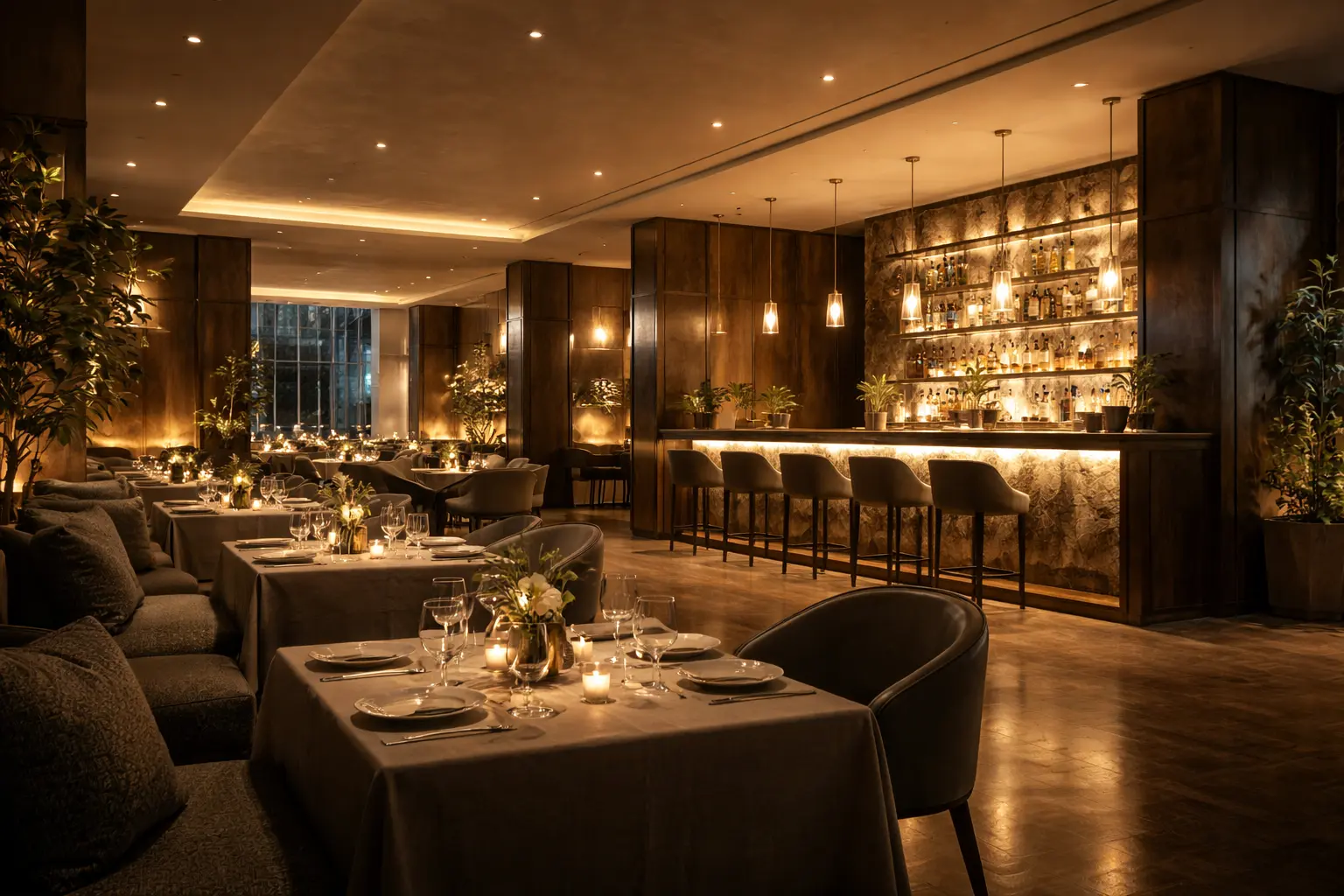
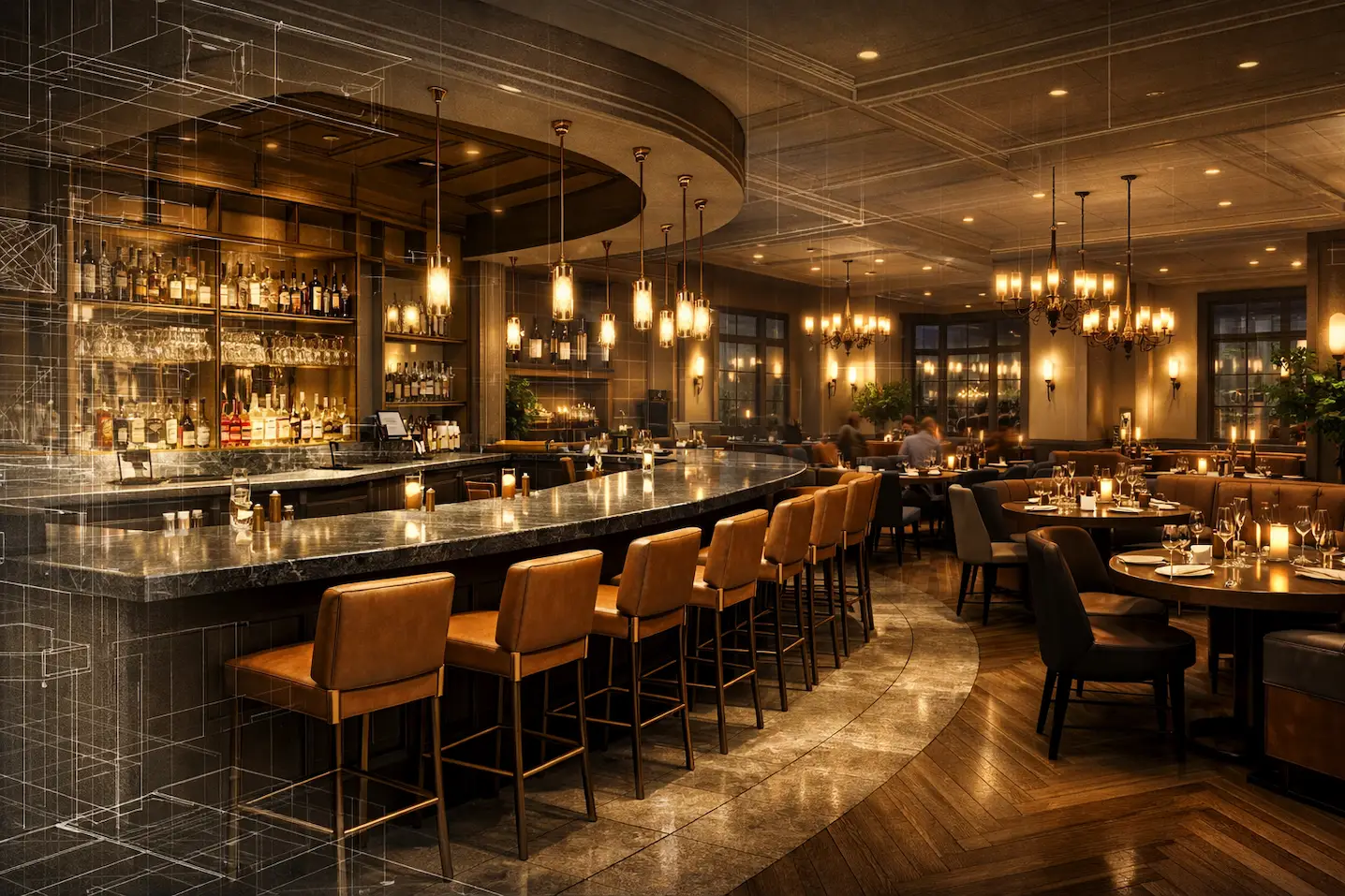
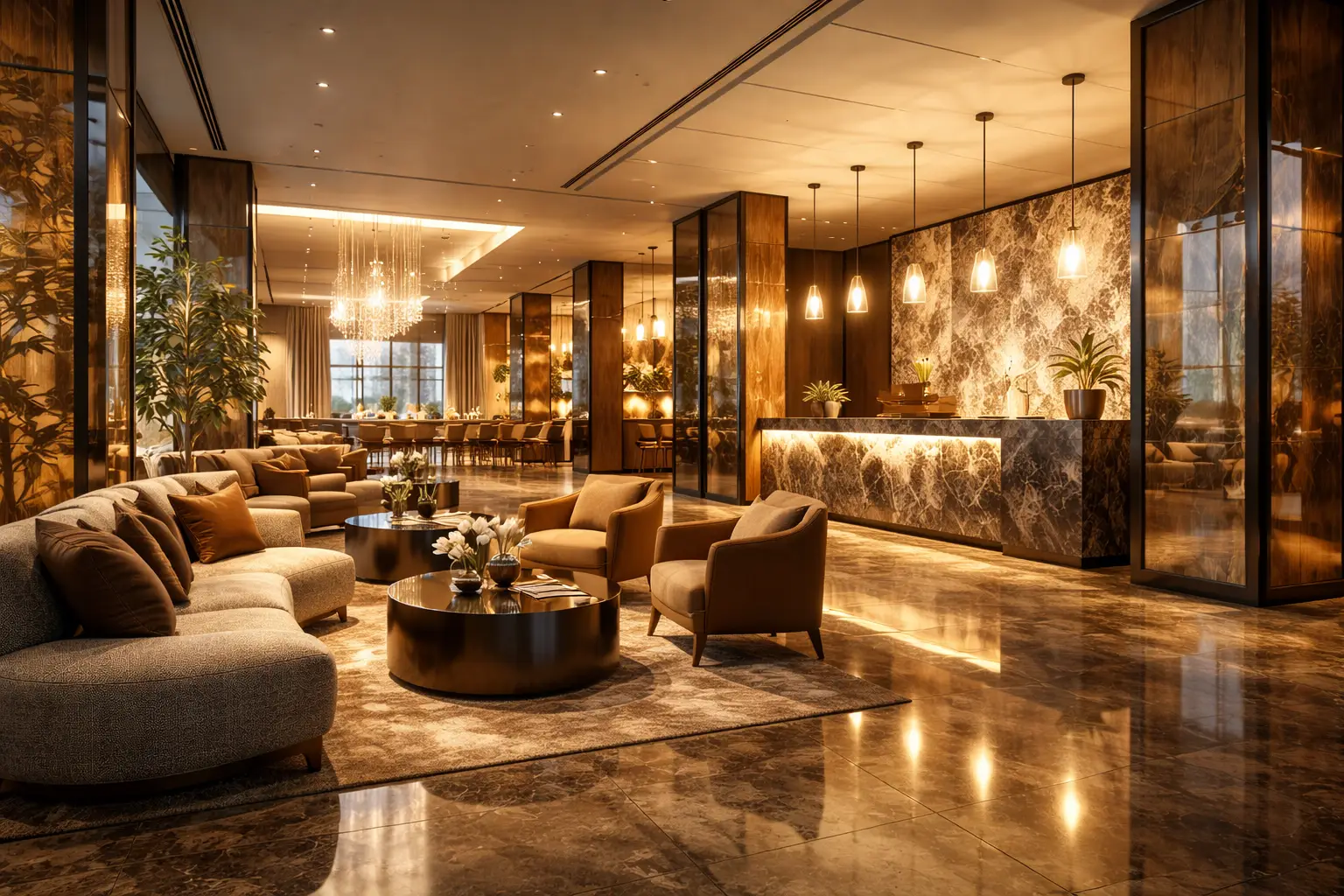
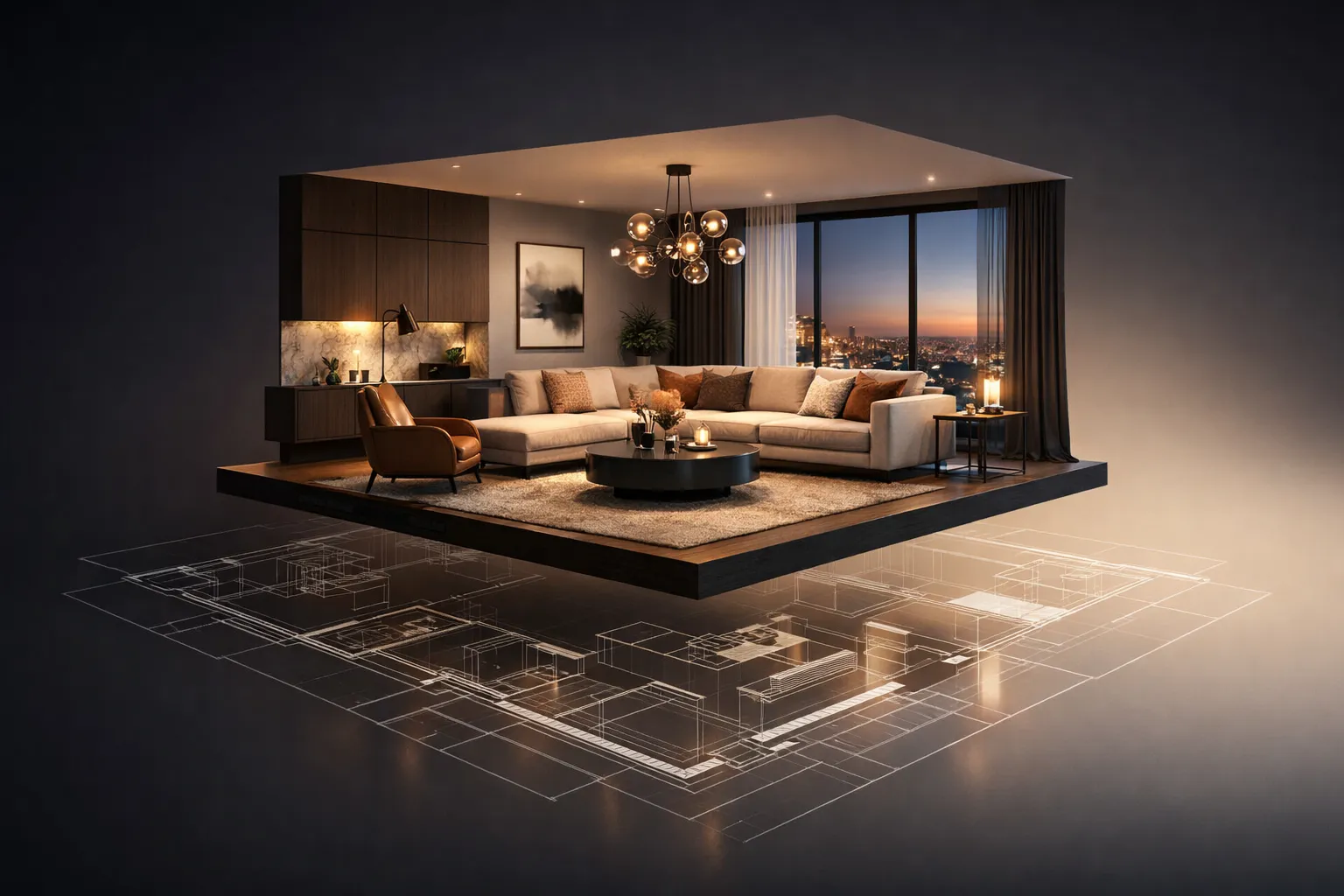
Clear visuals reduce confusion in complex building projects. At key milestones, architects must answer specific questions from developers, structural engineers, façade consultants, cost managers, and planning authorities. Floor plans and sections alone may not fully convey height perception, façade rhythm, daylight conditions, or spatial flow to non-technical audiences. This is where 3D visualization in architecture becomes a working design instrument rather than a presentation add-on.
When renderings, models, and animations are scheduled alongside drawing packages, architects can test proportions, material transitions, and circulation logic before major decisions are locked. This is precisely how architects use 3D visualization — not as decoration, but as a parallel evaluation layer. The purpose is not to replace drawings or BIM documentation. The goal is to provide a coordinated visual framework that supports stakeholder alignment and helps architects, consultants, and clients evaluate design intent with fewer assumptions.
This article explains how 3D visualization supports architectural design at each stage of a project, from early feasibility through marketing and leasing, with specific notes on deliverables, coordination, and file workflows.
Pre-Design and Feasibility: Making Constraints Visible
At the feasibility stage, the primary task is to convert site limitations into readable spatial scenarios. Survey data, zoning envelopes, height limits, setbacks, and GIS layers are translated into massing studies that visualize constraints and indicate a likely buildable envelope.
This phase represents what is often referred to as pre-design visualization architecture — early-stage modeling focused on clarity rather than aesthetics. Instead of abstract diagrams, we produce simple volumetric models placed into a scaled site with neighboring buildings and topography. These white or lightly shaded studies support early spatial planning decisions and allow architects and development managers to evaluate:
buildable footprint depth
core positioning
vertical circulation efficiency
daylight access
relationship to adjacent properties
In heritage zones or dense infill sites, low-contrast photomontages illustrate street-level impact without implying a finalized façade design.
Typical outputs at this stage include street-level views, aerial context perspectives, basic turntable animations, and annotated comparison frames. These materials help development teams assess feasibility using spatial evidence rather than speculation.
Concept Design: Testing Form Without Locking Materials
During concept design, architects define the architectural idea while maintaining flexibility. Concept design 3D visualization is most effective when it focuses on proportion, silhouette, and spatial hierarchy rather than surface finishes.
We use neutral material placeholders and controlled lighting setups so architects can evaluate façade rhythm, podium-to-tower transitions, step-backs, view corridor impact, and volumetric balance. The objective is to test form without prematurely committing to material palettes.
When geometry changes frequently, the visualization workflow follows an agreed rhythm. Updated Revit or Rhino models are integrated into a shared master scene, and marked-up review frames reference drawing revisions directly.
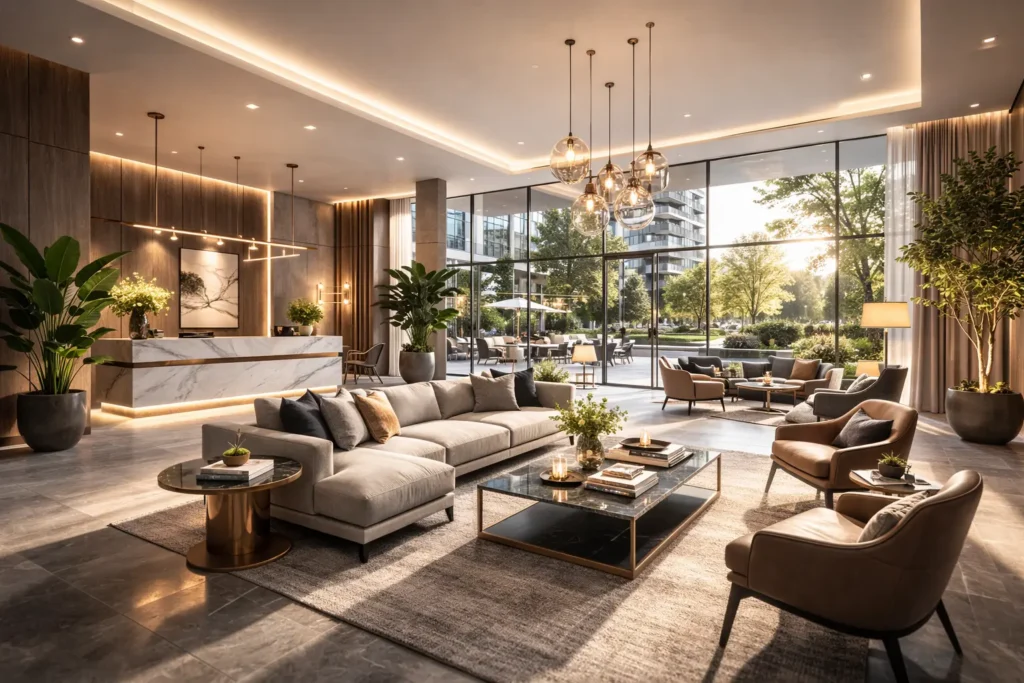
For interior concepts, sectional perspectives clarify ceiling heights, atrium proportions, and public stair visibility more effectively than plan drawings alone. If a defining feature emerges — such as a winter garden or lobby void — targeted hero images communicate that idea clearly to investors and advisory boards.
Schematic Design: Coordinating Structure and Systems
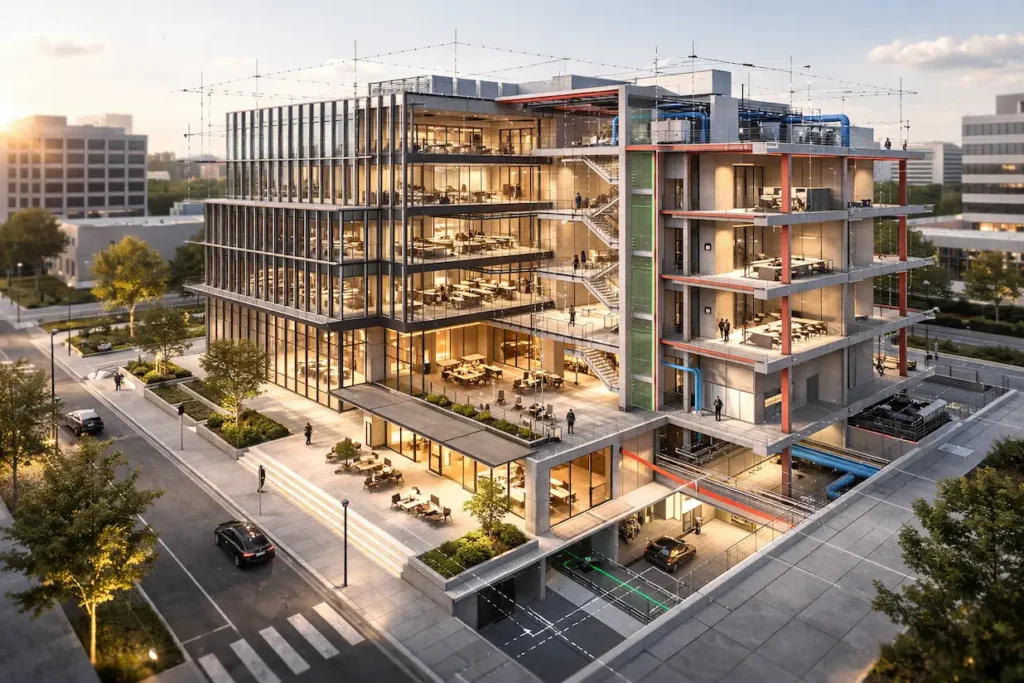
Once major directions stabilize, architectural 3D visualization becomes a coordination instrument. At schematic design, renderings must accurately represent structural grids, façade modules, mullion spacing, soffit depths, and core layouts.
Here, 3D architectural visualization supports coordination between architecture, structure, and MEP systems. Shared file protocols ensure synchronized geometry updates, material adjustments, and lighting revisions.
Lighting-focused views illustrate aperture depth and intended shading behavior without claiming formal performance results. For office projects, test-fit perspectives compare work bays and collaborative zones. For healthcare and lab environments, overlays visualize operational zoning to support interdisciplinary discussion.
Measured photomontages may support planning conversations where jurisdictional briefs require surveyed viewpoints.
Design Development: Evaluating Materials and Junction Logic
During design development, materials are modeled with greater fidelity. Surface reflectivity, panel joints, shading devices, and glazing performance are represented in ways that make construction logic legible.
At this stage, 3D rendering for architectural decision making becomes especially valuable. Controlled A/B comparisons isolate façade panelization changes, louver pitch variations, or soffit depth adjustments to clarify design impact.
Interior scenes evolve from mood-driven visuals to detail-informed coordination tools. Thresholds, trims, tile coursing, and ceiling transitions appear at realistic scales to support consultant review meetings.
Short animations and 360 panoramas demonstrate circulation sequences and vertical sightlines while remaining clearly labeled as design-phase illustrations.
This is a critical example of how 3D visualization supports architectural design by making material intent and junction logic visible before construction documentation is finalized.
Approvals and Public Communication: Measured Representation
For planning submissions, architectural 3D visualization must communicate scale responsibly. Camera positions may be surveyed and documented where required. Post-production remains restrained.
Context elements — surrounding buildings, planting, traffic — reflect real conditions. When needed, visualization follows verified-view style methodologies defined in the planning brief.
Looped animations and curated perspective sets help non-technical audiences understand massing, entrances, and setbacks, strengthening stakeholder alignment across public and private review processes.
Construction Documentation: Supporting Technical Coordination
During construction documentation, visuals illustrate assemblies rather than aesthetics. Detailed vignettes show curtain wall heads, parapet junctions, waterproofing transitions, and façade interfaces.
Selective render passes may isolate BIM clash conditions so installers can review coordination issues clearly. These visuals complement, but never replace, authoritative construction drawings.
Marketing and Leasing: Extending the Approved Design
Once design intent stabilizes, the same master model can generate marketing materials. Entrance sequences, amenities, residential typologies, and rooftop environments are refined with audience-specific styling.
High-resolution stills, short animations, and 360 tours are produced from consistent geometry, reducing duplication and preserving design integrity.
For investor presentations, a focused 8–12 frame deck paired with a concise animation often communicates the essential narrative efficiently.
Decision Support: Structured Comparisons
Major projects require continuous trade-offs. Developers weigh cost against façade articulation. Engineers balance ceiling heights against MEP routing. Architects evaluate shading strategies relative to daylight access.
Controlled render comparisons isolate single-variable changes to clarify impact. Identical cameras, consistent lighting, and disciplined labeling prevent visual bias.
This structured approach demonstrates in practical terms how 3D visualization supports architectural design and strengthens informed, cross-disciplinary decision making.
Ready to Start Your Visualization Production?
If your project is currently in pre-design, concept, schematic, or design development, we produce visual materials that accurately reflect your documentation and support coordination, approvals, or marketing.
We create massing studies, interior and exterior renderings, photomontages, 360 panoramas, and animations tailored to your project stage and schedule.
Send us your latest BIM or CAD files, and we will define the visualization scope and production timeline based on the size and complexity of your project.
FAQ
Engaging a CGI partner during feasibility helps make the scope and constraints visually explicit early on. Early work focuses on massing, context, and simple photomontage so architects can test directions without locking materials. This sets a shared baseline for later stages and usually reduces rework, because decisions about proportion and access are made with the site in view rather than in abstraction.
Current BIM or CAD with consistent world coordinates is ideal, supplemented by site surveys, topography, and any available city massing. Clean layer naming and simplified families help merge models efficiently. For photomontage, calibrated photography with lens and location data accelerates alignment. Material and lighting intent can begin as notes or mood boards and evolve into schedules as the design develops.
We agree on a revision cadence per phase and keep a single decision log. In concept and schematic design, images are built to be adjustable, with placeholder materials and disciplined lighting so shifts can be made quickly. As design development progresses, we increase detail where the design is settled and keep other areas neutral until they are ready, which keeps the overall package coherent.
Depending on the jurisdiction and submission type, authorities may accept illustrative views or require measured viewpoints with specific labeling. We can produce visuals to those expectations when they are defined, and we coordinate camera setup and context modeling in line with requirements defined by the planning consultant. Because requirements vary by jurisdiction, it is important to confirm the exact brief with the planning consultant before production starts to allocate the right time and methodology.
Design‑phase visuals prioritize clarity and coordination – disciplined lighting, neutral grading, and callouts that aid discussion. Marketing assets aim to present the project as a finished place, with styling and mood chosen for audience fit. Ideally, both draw from a single controlled master model, so updates remain consistent. As the design stabilizes, selected frames can be refined into presentation‑ready stills or motion without rebuilding from scratch.
We align styling to the current finishes schedule and annotate any provisional choices. Where materials are still open, we present controlled A/B sets so stakeholders can react without assuming that one option is approved. Throughout, we reference the latest documentation to maintain consistency, and we version images so that any decisions are traceable to the correct issue.
Rate article:
Nice
Average rating: 5 / 5
Vote count: 1
Denys Borozenets
CEO at GENENSE
Denys is the CEO of GENENSE Studio. His mission is to build an international community of passionate CGI professionals, where everyone can unlock their potential by creating high-end digital content that helps highlight any product on the global stage.
As a leader, he holds himself to the highest standard of responsibility - for both his own work and that of his team. For the members of GENENSE, responsiveness and open communication are the core values that drive their collective success.
Smart lighting choices shape how a dining room feels, reads, and performs across the day. The question is less about a single fixture or dimmer and more about how multiple layers of light interact with materials, textures, seating, and service choreography. Photorealistic CGI makes those interactions visible before any equipment is purchased or installed. With […]
Why visualization matters in investor and franchise conversations Early restaurant decisions are commercial decisions first. Investors and franchisors review a concept through the lens of risk, brand integrity, and operational throughput. In these discussions, drawings provide the facts, but pictures carry the argument. High-quality restaurant rendering places the capital plan, site constraints, and brand narrative […]
You’ve signed a lease, hired a designer, and started sketching floor plans on napkins. Then reality hits: Will 65 seats actually fit without making the room feel like a cafeteria? Can servers move between tables without turning sideways? Does the bar block the sightline to the entrance? These aren’t hypothetical problems. They’re the kind of […]
Architects, designers, and developers rely on visualization to align project stakeholders, validate design intent, and communicate options to non‑technical stakeholders. Yet the production route is not one-size-fits-all. This article outlines real-time vs traditional rendering from a visualization perspective, helping clarify which type of output fits specific tasks and milestones. We focus on realistic tradeoffs that […]
3D product animation is the process of creating a computer-generated video that shows an item in motion – rotating, assembling, disassembling, functioning, or existing within a styled environment – using three-dimensional digital models rather than a physical camera. The product doesn’t need to exist. The environment doesn’t need to be built. Everything happens inside software, […]
3D interior rendering is a digital image of a room that doesn’t exist yet. It looks like a professional photograph – accurate lighting, real materials, actual furniture models – but the space hasn’t been built. Or it’s about to be gutted and redesigned. A 3D artist takes your floor plans, material picks, and design direction, […]