Why visualization matters in investor and franchise conversations
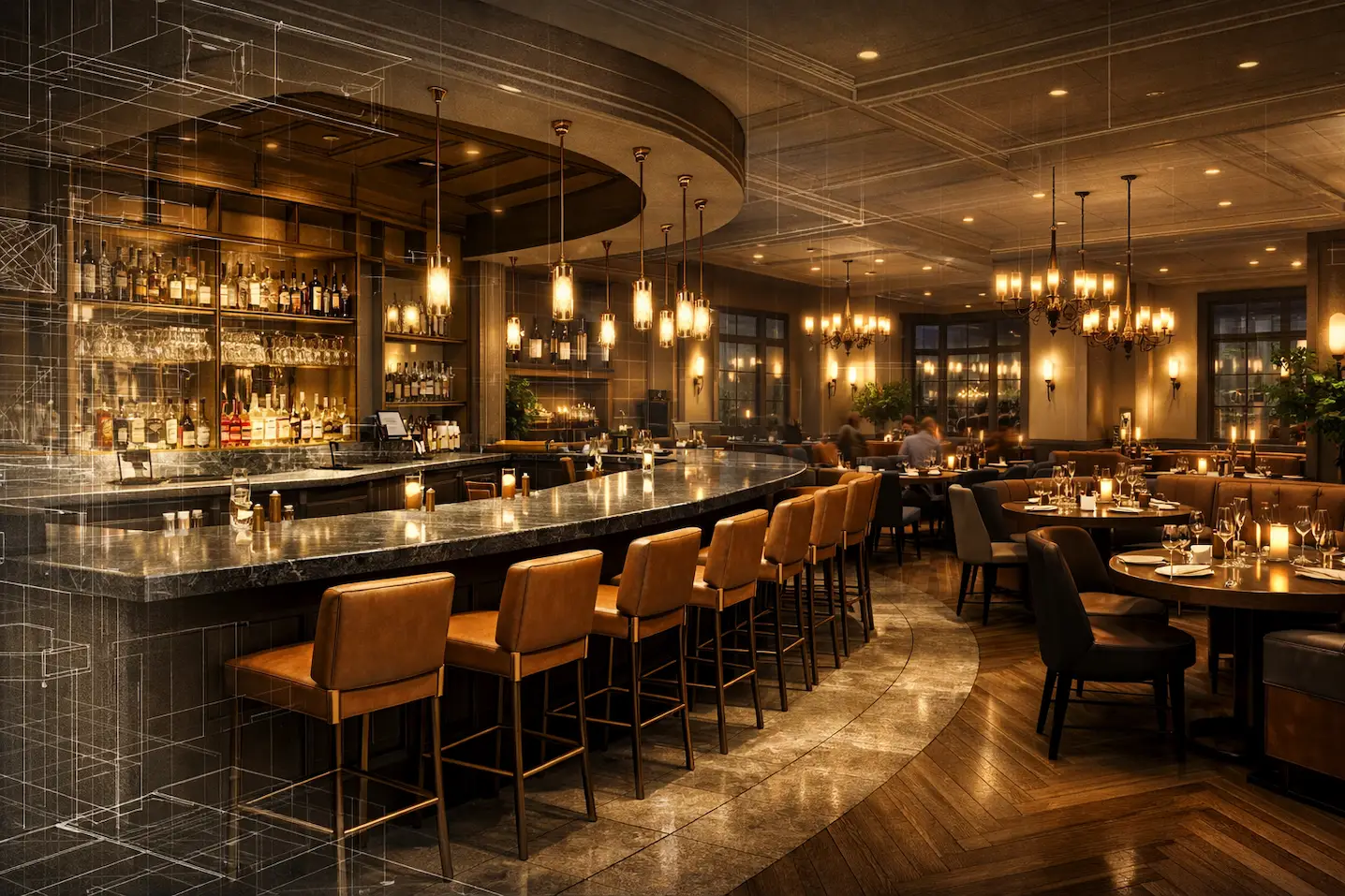
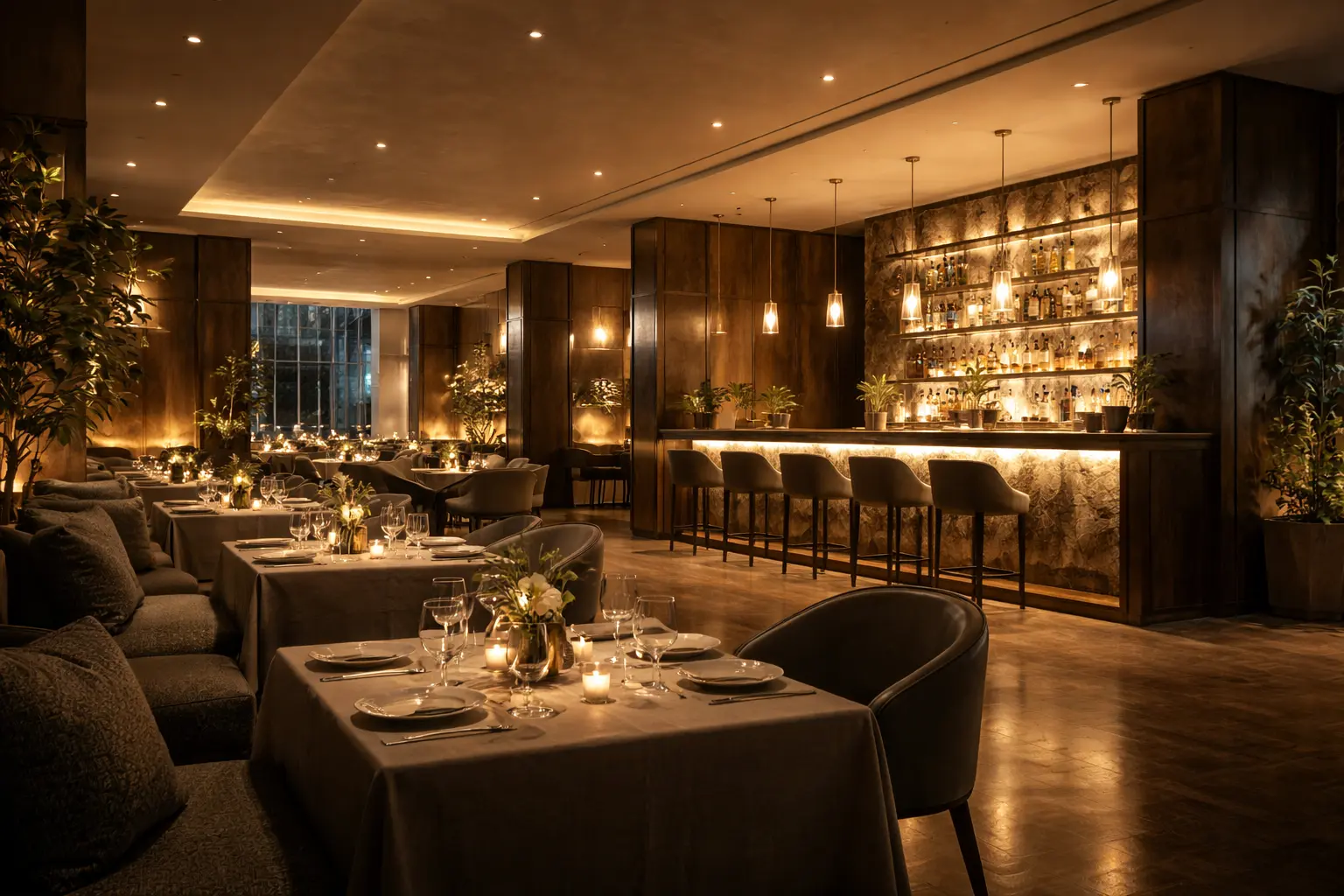
Early restaurant decisions are commercial decisions first. Investors and franchisors review a concept through the lens of risk, brand integrity, and operational throughput. In these discussions, drawings provide the facts, but pictures carry the argument. High-quality restaurant rendering places the capital plan, site constraints, and brand narrative in one frame so a decision maker can visualize seating strategy, circulation intent, approximate daylight conditions, bar placement, and service points – provided the imagery is anchored to measured plans and verified inputs. It translates a schedule of finishes into a credible dining environment and clarifies how guests will move from host stand to table, how servers cross the floor, and where sightlines converge around the kitchen pass or cocktail station.
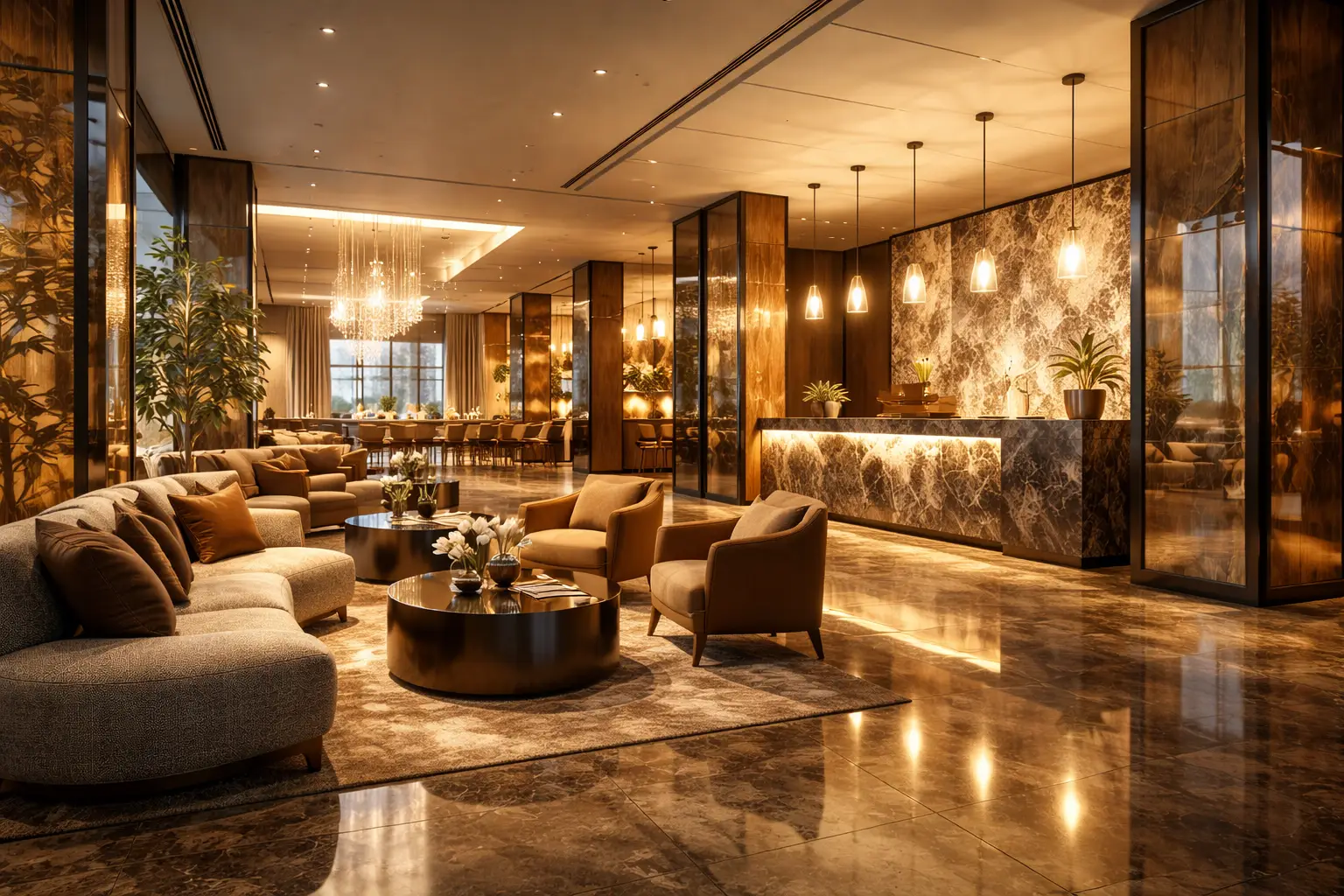
This is where purpose‑built restaurant rendering for investors can help. The images focus on the information that affects underwriting – from the density and comfort of two‑tops vs banquettes to how the proposed lighting tempers reflections on polished stone. Even simple scenario visuals are useful: one set showing a warm evening service, another showing a busy service scenario using neutral occupancy cues (tableware, queue depth, lighting level) aligned with the brand’s visual guidelines. Franchisors can read how the design interprets brand standards, and investors can judge whether the space supports the volume story in the financial model. When renderings align with measured plan data, they give stakeholders a shared, concrete starting point for questions and next steps.
What a rendering package typically includes
A well‑scoped visualization bundle balances speed with the range of angles needed to evaluate the concept. For restaurants, the core set typically includes a selection of stills that cover entry, primary dining, bar, and feature seating, while back-of-house views are added when operational review requires them. Add‑ons such as animation, 3D walkthroughs, or photomontage into site photography can be scheduled when leasing teams or franchisors require a broader view of context.
At GENENSE, stakeholders generally request a package that combines image types and scales so both front‑of‑house narrative and operational logic are visible. When framed as restaurant architectural rendering services, a scope might include finishes coordinated with specifications, custom millwork modeling, and consistent table styling so reviewers can better interpret spacing and seating density – while the measurable clearances remain anchored to the plan. Where necessary, architectural photomontage can show the storefront, canopy, and signage against the actual façade to support landlord review.
Front‑of‑house focus
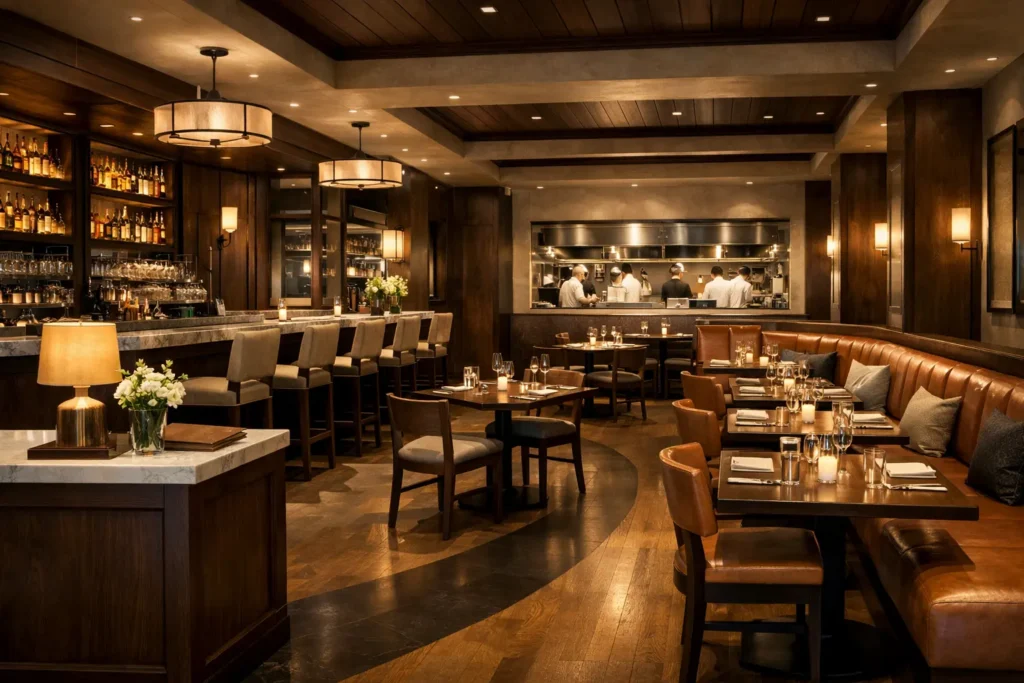
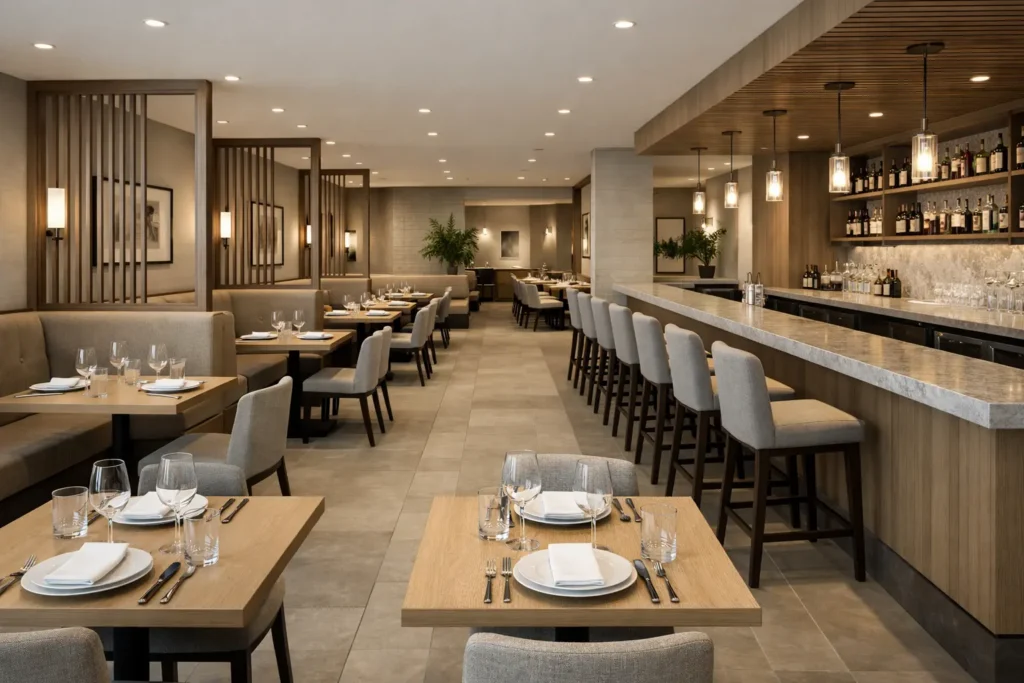
The camera positions are chosen to answer commercial questions: How does the entry reveal the room? Does the host stand align with a concierge moment or a quick queue? Are sightlines carefully balanced so brand features are legible without clutter? For the dining floor, a view along a main axis allows reviewers to evaluate the restaurant seating layout – table spacing, accessibility clearances required by the applicable code, server stations, and how the bar mediates between casual and dining zones. Lighting studies can compare warmer evening scenes to brighter day service, helping design teams tune reflection control, glare risk, and mood. A single night exterior visual often helps stakeholders understand transparency, privacy, and signage.
Back‑of‑house clarity
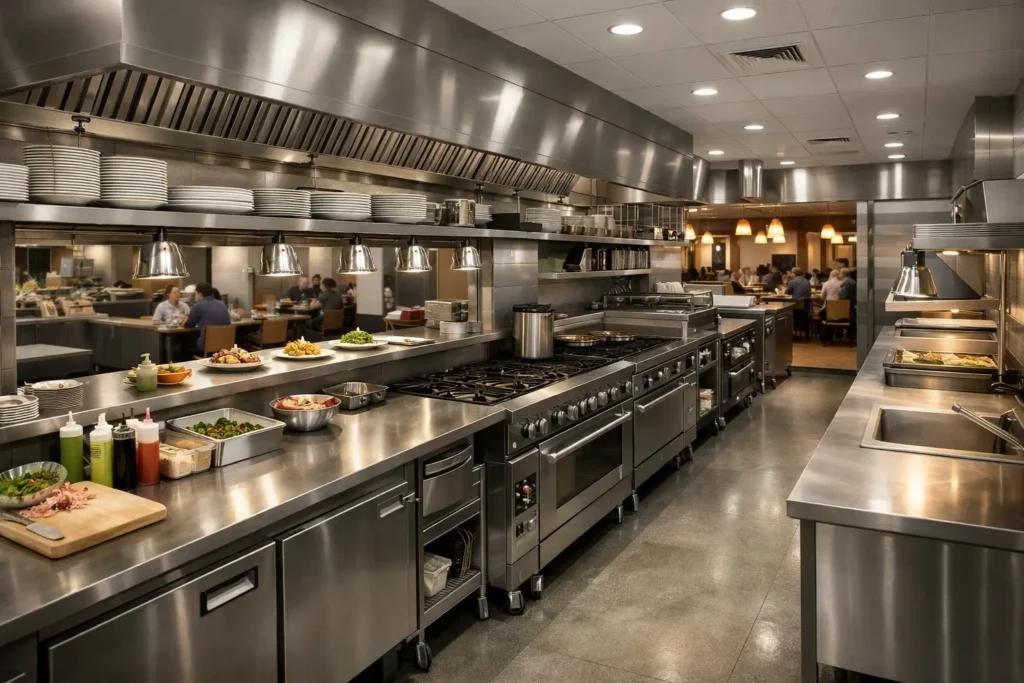
Investors and franchisors also assess throughput and labor efficiency. Including a focused restaurant kitchen rendering helps everyone understand the intended relationship between the pass, key prep/production zones, and service circulation – assuming the layout is based on an equipment plan and operations input. When modeling shows a 3D restaurant kitchen layout, planners can visually review potential delivery and guest path interactions alongside operational drawings and circulation diagrams. These are not construction details, but they are strong design‑phase indicators of operational intent.
To round out the package, many restaurant development teams request a compact set of stills derived from restaurant 3D rendering angles optimized for pitch decks, asset sheets, and landlord submissions. If the property needs contextual imagery, a site‑specific photomontage can illustrate proposed canopies, window graphics, and lighting without implying final permitting outcomes.
How visualization supports franchise approvals and landlord review
Most franchise systems and many landlords use documented submittal requirements or review guidelines, though the level of formality varies widely. Visuals that match the project’s plans, finish schedules, and brand standards can help reviewers understand how the proposal interprets the existing design guide. In this context, restaurant franchise rendering serves as a visual bridge between the franchise prototype and the realities of a specific shell, ceiling grid, or storefront proportion. When the imagery is aligned with consistent materials and lighting, it can support conversations about deviations or site‑specific enhancements without overpromising outcomes.
For early landlord interactions, storefront visuals and interior views taken from just inside the door typically communicate enough to discuss signage intent and visibility. For franchisors, side‑by‑side visuals can illustrate how the proposed space protects the signature bar expression or the brand’s tonal palette. A simple sequence can illustrate occupancy scenarios and seating mix at different dayparts, helping investors discuss throughput assumptions alongside operational data in the financial model.
When design and documentation advance, visualization can be extended to show finish alternatives or furniture packages as part of a prototype refresh. This is where restaurant architectural 3D rendering is commonly used as an internal decision tool before pushing changes to multiple locations. The goal is not to replace technical documentation, but to provide a consistent visual layer that helps multidisciplinary teams make joined‑up choices and maintain brand integrity across sites.
Workflow, files, and timelines that keep reviews on track
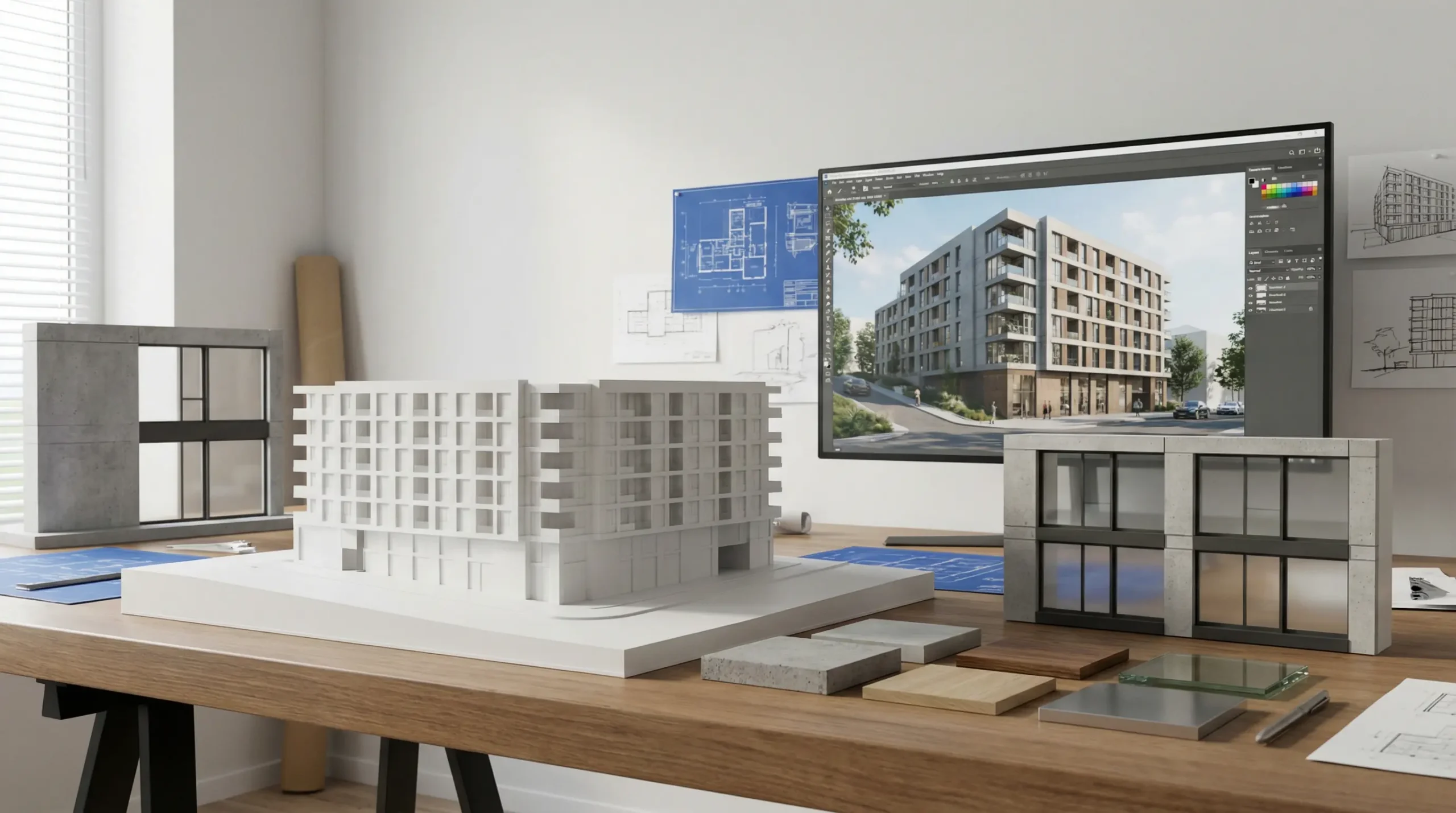
A predictable rendering workflow reduces iteration drag. Most restaurant scopes follow a structured path: onboarding with drawings, modeling of architecture and millwork, look development for materials and lighting, draft stills for review, then final color, contrast, and output. The earlier we receive consistent inputs, the smoother the cycle – typical inputs include dimensioned plans, reflected ceiling plans, interior elevations, furniture schedules, and material references. Brand teams often add a color and graphics guide, and operations may share a kitchen equipment plan to align front‑of‑house visuals with the back‑of‑house concept.
Timelines vary by scope and feedback cadence: a small stills set may take several business days to a few weeks, while multi-space packages with variants or motion often require additional time and structured review rounds. Larger scopes with multiple spaces, day and night variants, or motion typically require additional production time, depending on the detail level and review cadence. Schedules always depend on the volume of views, level of detail, and review round cadence. When projects require animated sequences or interactive elements, a CGI restaurant workflow is established early, so storyboards, camera moves, and durations are agreed upon before production begins.
Coordination is most efficient when reviewers group feedback by topic – architecture, furniture, lighting, brand graphics – and reference markups to plan locations. This allows project reviewers to close issues in batches rather than piecemeal. For multi‑stakeholder approvals, it is helpful to reserve a consolidation round after brand and landlord comments so imagery evolves in step with documentation. Output is usually requested at print‑ready resolution for investment books and at optimized sizes for web and deck use. If a project needs a last‑minute alternate finish, neutral lighting setups can facilitate targeted material swaps, though significant finish changes may still require lighting adjustments.
From test fit to investment memo – a short scenario
Consider a 4,800 sq ft corner unit in a mixed-use neighborhood building with high evening foot traffic. The concept is a casual brasserie with a 20‑seat bar, 110 dining seats, and a compact open kitchen. The leasing test fit confirms capacity, but the investment committee needs to see how the space delivers the brand promise without overspending on finishes. The ownership group commissions a focused visualization package to support the next meeting.
– Entry, main dining, bar, and chef’s counter stills that demonstrate seating density, circulation, and the tonal range of the interior lighting.
– A storefront photomontage from two corners to illustrate signage intent and evening transparency in context, plus one concise deck‑ready sequence derived from the still cameras.
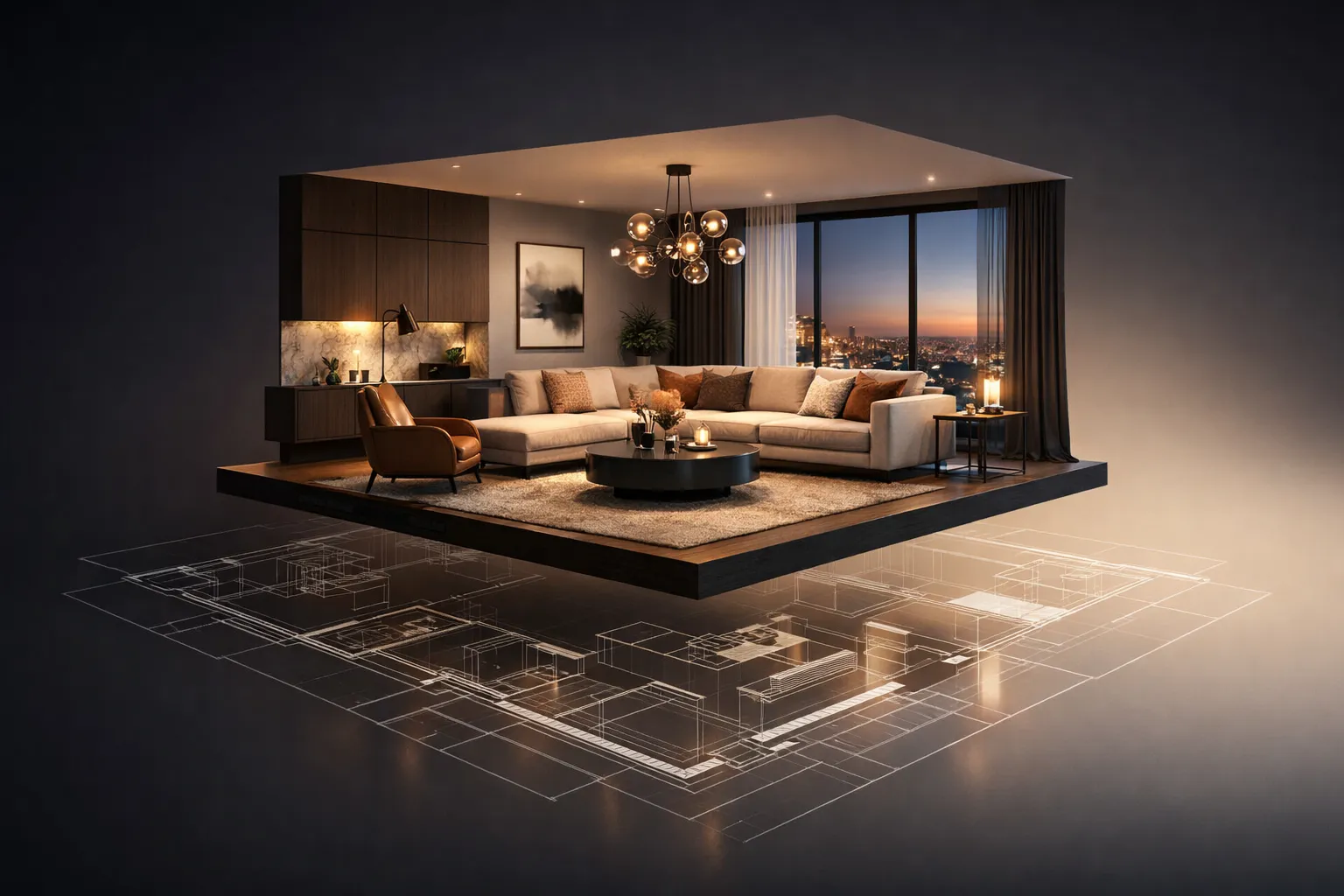
These visuals slot into the investment memo alongside plan overlays that call out service paths, table spacing, and a short note on finish durability. Because the images correlate with measured layouts and brand guidelines, reviewers can test assumptions about atmosphere, comfort, and operational flow while referencing the same visual material. If the approval path expands to include a franchisor or a landlord design review committee, the existing imagery can be extended with variants – for example, alternate bar pendants or a lighter palette – without rebuilding the concept from scratch. For openings approaching the finish‑selections phase, a package framed as a pre-opening restaurant visualization can help align advertising, merchandising, and training materials with the final interior direction.
What to watch out for – common pitfalls and how to avoid them
Two risks surface frequently in restaurant CGI. First, scale drift. If chairs, pendant drops, or place settings are inaccurately scaled, perceived comfort and clearances are distorted. Always cross‑check 3D assets against the specifications in the furniture schedule and maintain consistent human proxies to read heights and distances. Second, inconsistent lighting temperatures. A warm bar scene paired with a cool dining floor can make the concept feel disjointed. Locking color temperature and intensity ranges early helps preserve a coherent mood across all angles and times of day. Coordinating with the lighting designer is recommended so the simulated fixtures and beam angles align with the intended effect.
Finally, remember that renderings communicate intent, not compliance. Where visuals touch topics such as accessibility, fire separation, or signage control, treat the imagery as an illustrative guide that should be read alongside drawings and code reviews. This avoids confusion during investor and franchisor discussions and keeps decisions anchored to both design ambition and practical delivery.
A measured approach to cost, value, and reuse
Budgeting for visualization is most reliable when tied to defined outputs and a capped number of review rounds. Many marketing teams start with a compact set of stills for the primary rooms, then add motion only if a pitch or leasing campaign warrants it. Images created for investment or franchise review can often be repurposed later – menus, social teasers, or pre‑sale leasing collateral – provided the camera angles and styling anticipate those needs. Using a single source of truth for materials and furniture across stills and motion also reduces rework if branding tweaks occur between investor sign‑off and construction start.
A careful approach to reuse can also help maintain brand consistency across multiple locations. When a prototype evolves, a library of scene files and materials allows updates to propagate with minimal disruption. This kind of disciplined asset management supports multi‑site rollouts and reduces the likelihood of mismatched palettes or inconsistent lighting between stores.
If your team needs to explain a concept clearly to both capital partners and franchisors, a structured visualization scope can provide the material you need for informed decisions. Whether the goal is to validate an open kitchen with counter dining, test a new bar identity, or refine acoustics and lighting tone before procurement, the right images focus the conversation on what matters most for delivery and operations.
Ready to move your restaurant concept from drawings to decision? Let’s build a visualization package that gives investors and franchisors the clarity they need to approve with confidence.
FAQ
For most concepts, four to six stills cover the essentials – entry, main dining, a key feature such as the bar or chef’s counter, and at least one view that shows the relationship between dining and kitchen. If a storefront discussion is expected, add one exterior photomontage. The exact number depends on the site, but concentrating on the moments that represent capacity, circulation, and brand expression usually gives reviewers enough context for a productive conversation.
Yes. Providing clean plans, sections, and model geometry helps accelerate modeling and increases consistency between documentation and imagery. During onboarding, project architects usually exchange CAD or BIM files along with material schedules and brand guides. Visualization complements the technical set – it does not replace construction documentation – so keeping plan updates and render iterations in sync helps stakeholders read the same design intent throughout reviews.
Stills are efficient for fixed views that explain layout, finishes, and lighting. Motion – short clips or camera fly‑throughs – is helpful when the narrative depends on how guests move across the space, how a bar anchors the room, or how day‑to‑night transitions feel. Both formats can be tailored to the specific audience. For committee meetings with tight time slots, stills often fit better into a slide deck. For leasing or brand storytelling, a concise sequence can convey flow and atmosphere in a way that complements the stills.
Accuracy starts with references – finish specifications, manufacturer samples, and any approved photography of comparable stores. These inputs are matched in the 3D material library so gloss levels, texture scale, and color temperature read consistently. Lighting is then balanced to the intended mood, and camera positions are checked against brand priorities so the signature elements are visible without dominating every frame. This approach supports brand integrity across locations while leaving room for site‑specific adjustments.
Rate article:
Nice
Average rating: 5 / 5
Vote count: 1
Denys Borozenets
CEO at GENENSE
Denys is the CEO of GENENSE Studio. His mission is to build an international community of passionate CGI professionals, where everyone can unlock their potential by creating high-end digital content that helps highlight any product on the global stage.
As a leader, he holds himself to the highest standard of responsibility - for both his own work and that of his team. For the members of GENENSE, responsiveness and open communication are the core values that drive their collective success.
Smart lighting choices shape how a dining room feels, reads, and performs across the day. The question is less about a single fixture or dimmer and more about how multiple layers of light interact with materials, textures, seating, and service choreography. Photorealistic CGI makes those interactions visible before any equipment is purchased or installed. With […]
You’ve signed a lease, hired a designer, and started sketching floor plans on napkins. Then reality hits: Will 65 seats actually fit without making the room feel like a cafeteria? Can servers move between tables without turning sideways? Does the bar block the sightline to the entrance? These aren’t hypothetical problems. They’re the kind of […]
Architects, designers, and developers rely on visualization to align project stakeholders, validate design intent, and communicate options to non‑technical stakeholders. Yet the production route is not one-size-fits-all. This article outlines real-time vs traditional rendering from a visualization perspective, helping clarify which type of output fits specific tasks and milestones. We focus on realistic tradeoffs that […]
Clear visuals reduce confusion in complex building projects. At key milestones, architects must answer specific questions from developers, structural engineers, façade consultants, cost managers, and planning authorities. Floor plans and sections alone may not fully convey height perception, façade rhythm, daylight conditions, or spatial flow to non-technical audiences. This is where 3D visualization in architecture […]
3D product animation is the process of creating a computer-generated video that shows an item in motion – rotating, assembling, disassembling, functioning, or existing within a styled environment – using three-dimensional digital models rather than a physical camera. The product doesn’t need to exist. The environment doesn’t need to be built. Everything happens inside software, […]
3D interior rendering is a digital image of a room that doesn’t exist yet. It looks like a professional photograph – accurate lighting, real materials, actual furniture models – but the space hasn’t been built. Or it’s about to be gutted and redesigned. A 3D artist takes your floor plans, material picks, and design direction, […]