For design, development, and manufacturing teams, visual clarity translates into faster decisions and fewer costly revisions. Yet even experienced project leads sometimes use “modeling” and “rendering” interchangeably. They are not the same thing. This guide explains how they relate, where they differ, and how to commission each stage effectively so that concept, planning, and marketing deliverables arrive on time and at the quality your stakeholders expect. As a studio focused on photorealistic CGI for the built environment and products, GENENSE positions these services within real project workflows – from feasibility and value engineering through to sales campaigns – so the right output lands at the right milestone.
Clarity on scope prevents rework. Architects want geometry that accurately tracks drawings and BIM parameters; marketers need images that effectively convey the story with perfect lighting, materials, and context; manufacturers require tolerance-defined CAD models that can support DFM checks and supplier reviews. Knowing when you need modeling, when you need rendering, and when you need both will help you brief a studio correctly, negotiate timelines with confidence, and avoid deliverables that look good but do not actually answer the question at hand.
What is 3D modeling
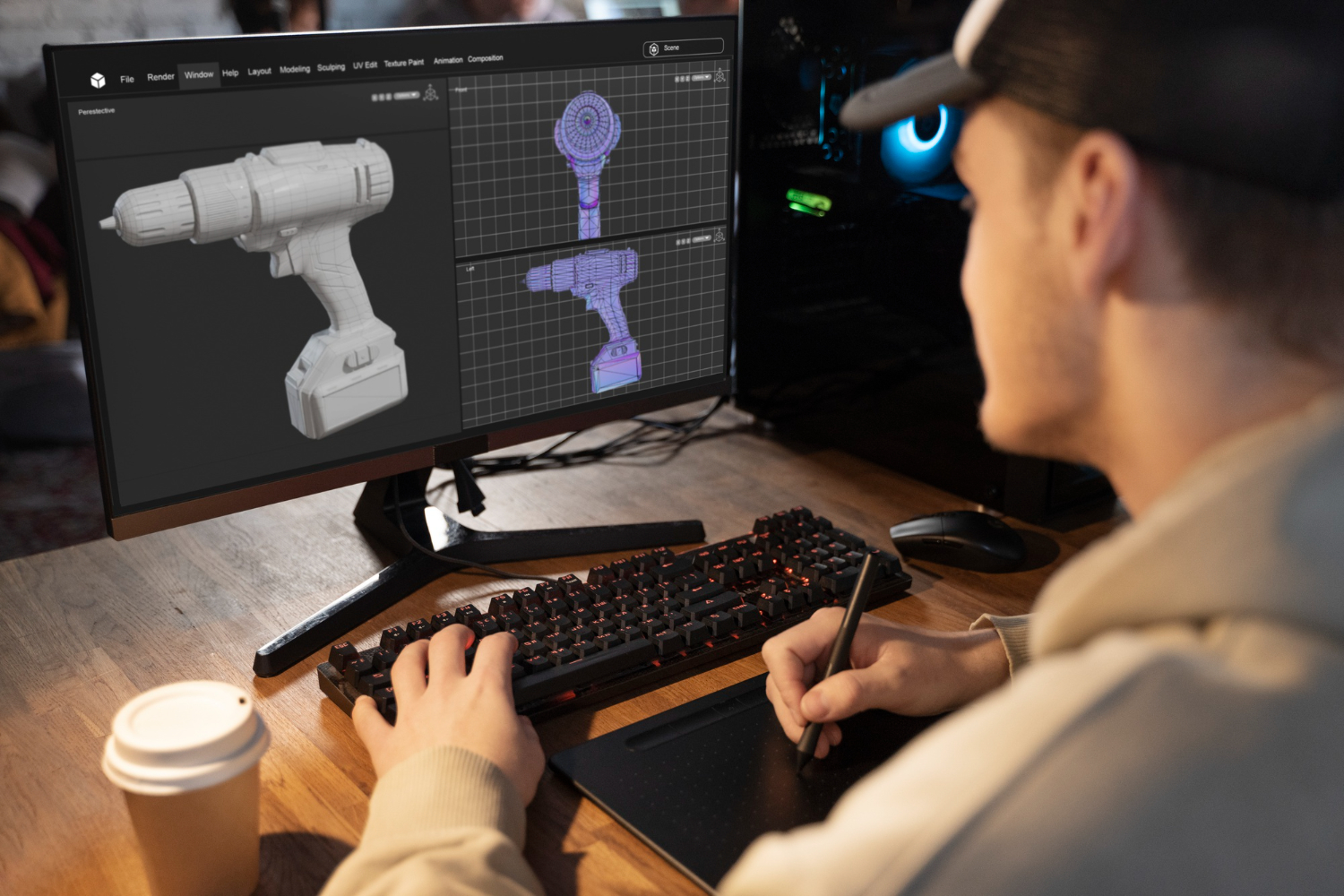
3D modeling is the process of constructing digital geometry that describes the shape, proportions, and sometimes parametric behaviour of a design. In architecture, that may be a façade system with correct module spacing and mullion profiles at an appropriate LOD. In interiors, it could be joinery with accurate carcass thickness, hardware clearances, and panel reveals. For products, it might be a watertight, manufacturing-grade body with NURBS surfaces, draft angles, and shell thickness established.
In practical terms, modeling turns drawings, mark-ups, CAD, and references into a coherent asset that can be interrogated, measured, revised, and reused across the project lifecycle. Good models are organised (layers, collections, naming), instanced where repetition occurs, and optimised for downstream work –whether that is further design iteration, coordination, or visualization.
Typical inputs: 2D CAD plans, sections, and elevations; BIM exports; DXF/DWG; manufacturer datasheets; dimensioned sketches; reference photos; material schedules.
Typical outputs: Native DCC/BIM files; exchange formats (FBX/OBJ/STEP/IGES); clean topology; UVs ready for texturing; proxy/low-poly variants for performance.
Crucially, the output of modeling is not a “finished picture”. It is the stage that makes dependable pictures possible, because everything that follows – lighting, materials, animation, and compositing – requires trustworthy geometry.
What is 3D rendering
3D rendering is the generation of imagery or video from a prepared scene containing geometry, materials, textures, cameras, and lights. It transforms design intent into visual evidence. For planning submissions, that might mean a photomontage that places your proposal correctly within verified photography. For marketing, it could be a hero shot with art-directed lighting, atmosphere, and styling that conveys the lifestyle around the space. For product teams, it may be a sequence of image covering finish options, exploded views, or functional demonstrations.
Rendering can be physically based – simulating light transport to produce photorealistic results – or stylised to emphasise concept and mood. Production rendering typically involves texture creation, shader authoring, HDRI and area lights, camera settings, render passes (diffuse, specular, reflection, Z-depth), denoising, and colour-managed post-production. The goal is not just beauty; it is control. A strong rendering workflow allows granular adjustments without redoing everything from scratch.
Deliverables include high-resolution stills in layered formats for agency workflows, optimised web assets, 360 panoramas for virtual tours, and frame sequences for animation.
The difference between 3D modeling and 3D rendering
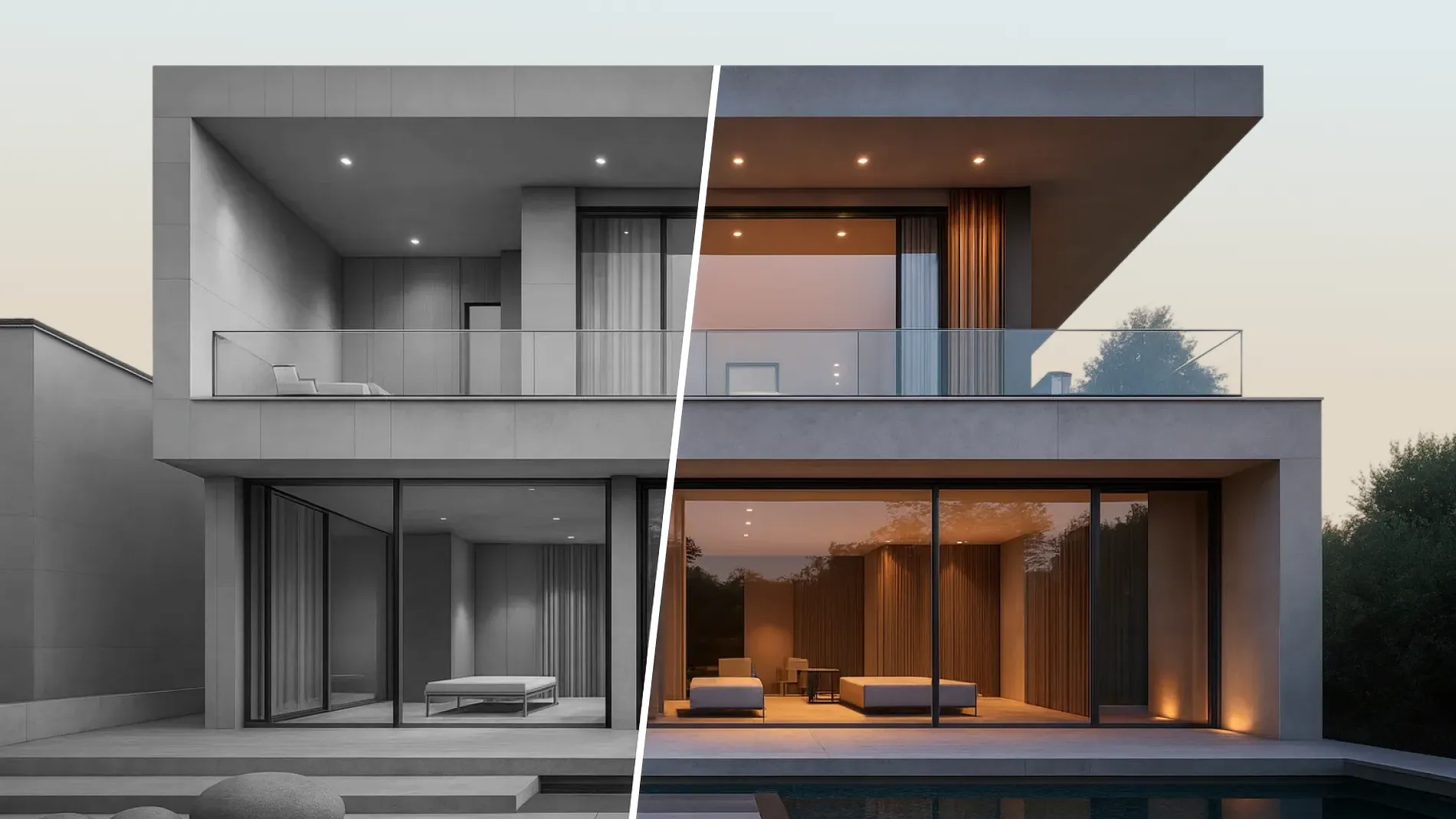
While modeling establishes what the object or space is, rendering communicates how it looks and feels in a specific scenario. One defines structure; the other defines appearance under light and in context. Understanding the boundary between them helps you structure scopes, allocate time, and reduce risk.
At a glance:
Purpose: Modeling solves geometry and data; rendering solves perception and persuasion.
Inputs: Modeling ingests drawings and constraints; rendering ingests geometry, materials, lights, cameras, and references.
Dependencies: Rendering depends on reliable geometry; modeling can happen independently of final art direction.
Decision support: CAD/BIM modeling and coordination validate fit, clashes, and feasibility; rendering supports approvals, stakeholder buy-in, and pre-sales.
For most projects, the two proceed in dialogue. You model to a suitable level of detail for the question at hand, render to test assumptions or present scenarios, then loop if the visuals surface issues that require design changes.
Pipeline and Collaboration: Linking Modeling with Visualization
In many studios, the phrase “visualization” captures both the modeling and the rendering effort because they are closely linked in production workflows. At GENENSE, we treat them as distinct scopes with shared checkpoints. Early in concept, broad-brush massing models allow fast lighting studies; later, detailed component models enable accurate material behaviour and macro shots. Throughout, a clear versioning policy prevents confusion: when the model updates, materials and cameras follow in a controlled manner, so teams aren’t signing off imagery from yesterday’s geometry.
For architects and interior designers, this modeling–visualization link is where risk is reduced. A well-structured model means every render – photomontage, interior hero, or 360 tour – uses the same geometric truth, limiting discrepancies between packages. For developers and marketing teams, a consistent pipeline yields predictable calendars: for example, exteriors first for hoardings and early investor decks; then amenity interiors; then unit types and finish packs; finally, campaign video.
Choosing tools: a practical look at 3D modeling and rendering software
Selecting the right toolset is less about brand names and more about fit-for-purpose. Polygonal and parametric modellers handle architectural envelopes and interiors differently from solid/NURBS modellers used for engineered products. Physically based render engines prioritise light accuracy and material realism, whereas real-time engines prioritise interactivity and speed for design reviews, VR, and configurators. What matters for clients is interoperability and consistency.
Key considerations we manage on mixed pipelines:
Geometry fidelity and LOD: Is the brief LOD 200 for planning, 300 for tender imagery, or higher for macro product shots?
Material libraries: are PBR textures calibrated and consistent across tools so metal, glass, and timber behave predictably in different scenes?
File exchange: plan the handoff – FBX/OBJ/STEP/IGES for geometry; EXR/TIFF for layered renders; glTF for real-time delivery, and UDIM-based textures for high-resolution DCC/VFX workflows where relevant.
Colour management: an ACES/OCIO-managed workflow from day one, with defined deliverables in sRGB for web and ICC-managed conversions for print to maintain consistency across teams and vendors.
Performance: viewport proxies and render-time instancing for landscaping, furniture, and crowds to keep iteration speeds high.
A brief call at project kick-off to align on toolchain and exchange formats will typically save days later in the schedule.
Applications and outcomes
Evidence-led visuals: 3D rendering examples
Different sectors require different narratives, but the logic of evidence remains the same: the right visual at the right fidelity answers a stakeholder’s specific question.
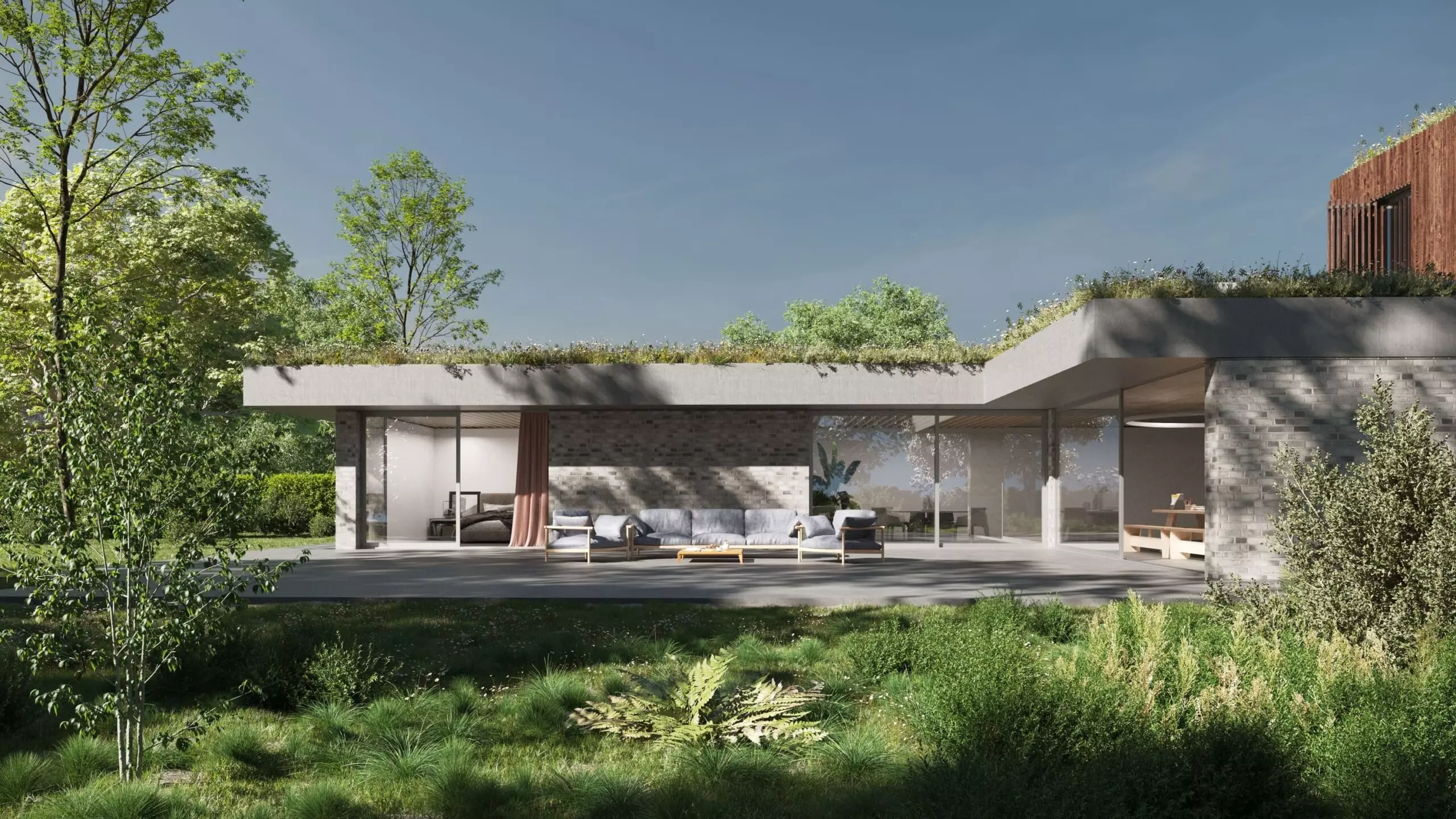
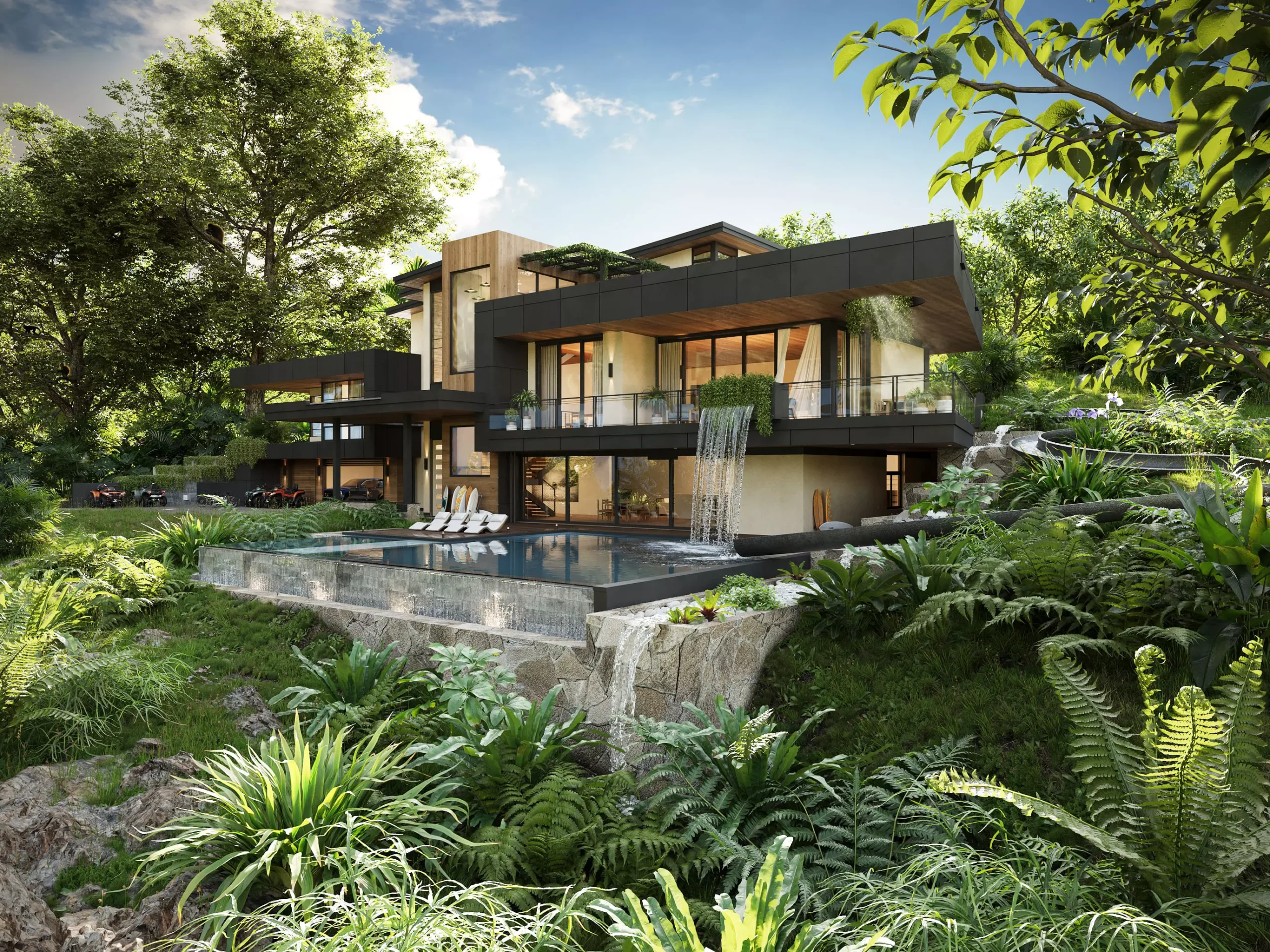
In planning and public consultation, a set of verified exterior views combined with accurate photomontage addresses key concerns: scale, overshadowing, material tone, and context. Because the underlying model is dimensional and the imagery is perspective-correct, officers and neighbours can evaluate impact without guesswork. For workspace or hospitality projects, interior lifestyle visuals convey adjacencies, day–night conditions, and FF&E fit – often resulting in faster sign-off from client steering groups because the team can “see” the space rather than infer it from drawings.
For residential marketing, a standard package might include a hero facade at sunrise, amenity spaces, and a range of apartment typologies with finish options. When set up correctly, those images can be repurposed for web, print, and hoarding without quality degradation. Manufacturers and product brands benefit from macro details – stitching, knurling, micro-scratches – that would be costly or impossible to capture in studio photography before tooling exists.
Across all these cases, we treat visuals not as decoration but as decision tools. When clients use renders at design gate reviews, we observe fewer late-stage revisions because issues – sightlines, junctions, lighting balance – surface earlier when the team sees them, not just reads them.
From stills to motion: 3D video rendering
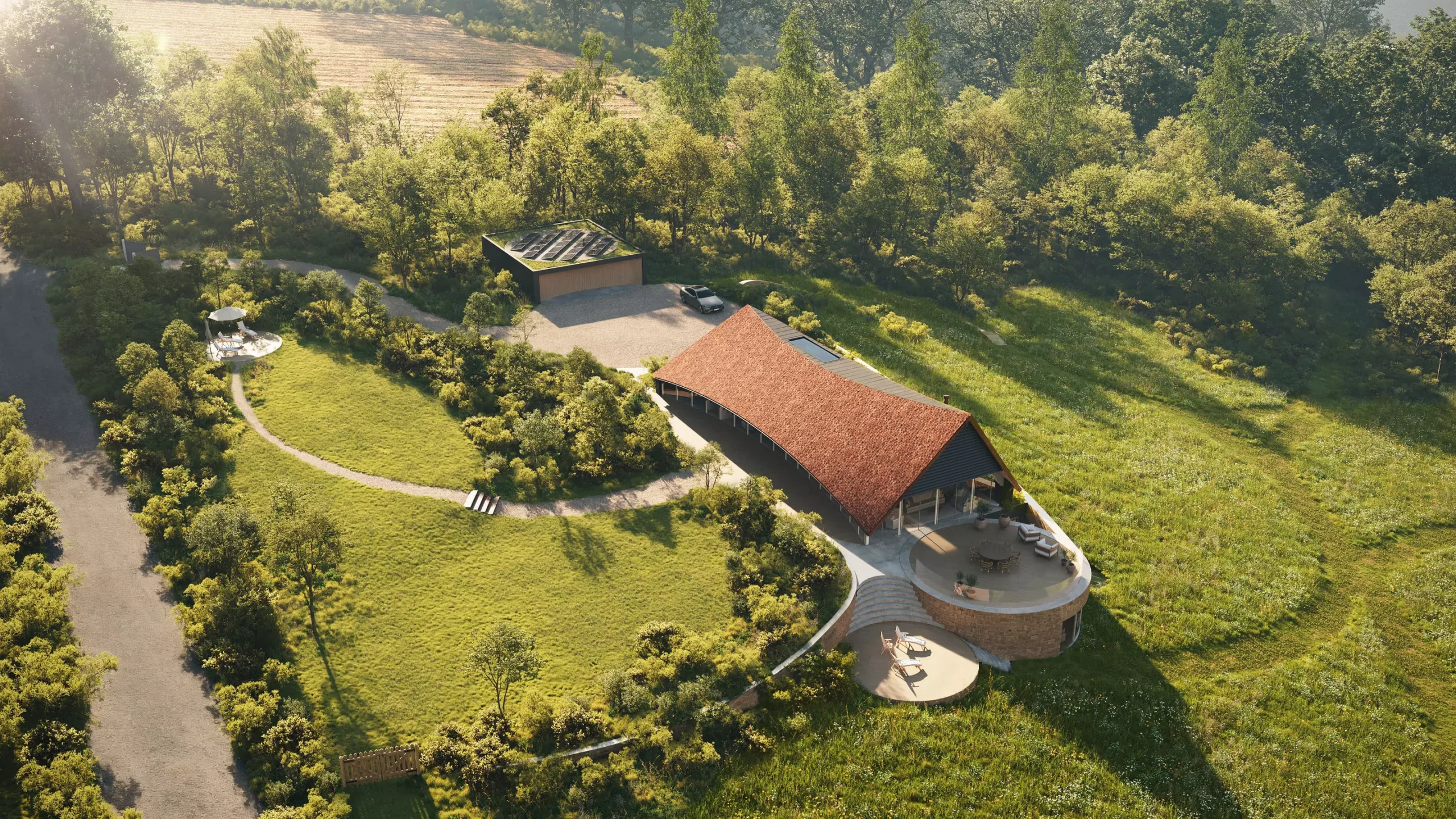
Motion helps stakeholders understand flow, orientation, and behaviour over time. A considered animation can carry a viewer through an arrival sequence, explain a double-height lobby’s spatial hierarchy, or show a product’s mechanism at work. Production-wise, we establish storyboards, then align camera paths with architectural logic – entries, key viewpoints, and structural axes – so the narrative is both cinematic and accountable to the plan. Because assets are shared with the stills pipeline, time-to-first-cut is typically measured in days rather than weeks. This assumes modeling and look-dev are already approved. For property campaigns, we often combine aerial sequences, interior walkthroughs, and animated overlays for wayfinding or amenities. For products, exploded assemblies, and material transitions, communicate engineering and finish variants with clarity.
Manufacturing and marketing: 3D product design, rendering, and 3D product modeling and rendering
Product pipelines mix engineering-grade models with marketing-grade visuals. Early on, we may receive STEP or IGES data from CAD. Those solids are converted and retopologised for visual efficiency, UV-unwrapped, and shaded with calibrated PBR materials. Two deliverable families usually follow: technical visuals for documentation and assembly, and marketing visuals for e-commerce, POS, and brand campaigns.
With calibrated virtual photography, brands can launch before tooling completes. Colourways, materials, and packshots are consistent across ranges; configurators can expose options without holding stock; and micro-detail remains consistent across every image size, from social posts to 8K hero banners. The key is agreeing on tolerances and finish standards (gloss values, anisotropy directions, scratch density) up front so marketing renders stay truthful to the intended product.
When to commission modeling vs rendering (and how to budget)
You do not always need both scopes in full. The correct balance depends on the questions you need to answer and the risks you need to manage.
For concept validation, quick massing models with light studies often suffice. You are testing scale, orientation and envelope; finishes and props can remain schematic. For planning submissions, modeling must be geometrically sound enough for verified views, and rendering should handle accurate lensing, camera positions, and environmental conditions. For tender visuals, detail increases around junctions and materials so suppliers and trades understand intent. For sales and leasing, art direction drives the work: styling, time-of-day, weather, and people must support your brand story, but the geometry still needs to be right – especially in repeatable elements such as kitchens, bathrooms, and facade modules that will be shown across dozens of images.
Budgeting follows the same logic. Geometry that is used across many images pays for itself quickly; conversely, one-off hero shots may require targeted, high-detail modeling only where the camera sees. As a rule of thumb, allocate more time to modeling if your design is still moving, and more to rendering if your design is stable and you’re targeting campaign-ready output. We plan these balances with you at kickoff, so milestones match your internal approvals: design freeze, planning submission, sales suite, and final marketing launch.
Bringing it together
Modeling and rendering are different crafts that serve different purposes. Treat them that way in your briefs, scopes, and schedules. When the geometry is right, and the lighting, materials, and cameras are right, the visuals not only look convincing – they become tools that accelerate approvals, align teams, and support sales.
If you are weighing up interior packages for a hospitality rollout, need verified exteriors for planning, or want to launch a product line with consistent campaign assets, we can help. With a focus on photorealistic output and predictable workflows, GENENSE supports architects, designers, developers, and manufacturers from early studies to market-ready visuals. Explore our exterior and interior visualization, product rendering, architectural animation, 360 tours, and photomontage services, or get in touch to schedule a short scoping call. We will outline the modeling depth required, the rendering deliverables that suit your audience, and a timeline that matches your programme.
FAQ
Because the disciplines are interdependent and often delivered by the same studio. In fast-moving projects, the line can blur, especially when design changes arrive mid-render. Our approach is to lock geometry checkpoints, then move to look-dev and final renders. If geometry changes later, we manage it with scoped revisions so budgets remain predictable.
3D modeling underpins everything that follows. Without reliable geometry, lighting, and materials cannot behave truthfully, camera lenses cannot match real-world views, and photomontage alignment will drift. Modeling also carries parametric intelligence – module sizes, clearances, and layers – that helps teams validate buildability and coordinate with consultants. For products, clean topology and watertight surfaces allow you to iterate quickly, test assemblies, and generate variants without rework. In short, modeling reduces risk by making design intent explicit and measurable.
Not always. If you are evaluating envelope options or early massing, quick viewport captures can be enough to make decisions with your team. When you need stakeholder buy-in, planning visuals, brand assets, or sales material, rendering becomes essential because it communicates the story with light, materials, context, and atmosphere that stakeholders expect to see.
At minimum: drawings with dimensions and levels, a material schedule, and references for look and feel. If you have BIM, exports at an agreed LOD save time. For products, STEP/IGES plus a finish standard (gloss, roughness, colour codes) prevents ambiguity. For marketing renders, brand guidelines, and example campaign imagery help align art direction early.
Rate article:
Nice
Average rating: 5 / 5
Vote count: 2
Denys Borozenets
CEO at GENENSE
Denys is the CEO of GENENSE Studio. His mission is to build an international community of passionate CGI professionals, where everyone can unlock their potential by creating high-end digital content that helps highlight any product on the global stage.
As a leader, he holds himself to the highest standard of responsibility - for both his own work and that of his team. For the members of GENENSE, responsiveness and open communication are the core values that drive their collective success.
In today’s architecture RFP (Request For Proposal) market in the US, experience and portfolio alone do not win projects anymore. In 2026, 3D visualization plays a big role in how fast a committee understands, supports, and remembers a project. Florida’s procurement market moves fast and has its own rules. Teams often review many proposals in […]
In architectural tenders in the UK, competition is not about ideas, but about how clearly they are communicated. Success depends on a well-built architecture proposal presentation, and 3D visualisation often becomes the key factor that strengthens the evaluation of design quality. Architecture tenders in the UK are the main way to win large projects in […]
For developers and architects, 3D rendering services in the Netherlands create realistic images of real estate projects. It helps speed up approvals, present ideas better to investors, and support early-stage sales. It also reduces the number of revisions and makes cooperation between all project participants clearer. GENENSE provides 3D rendering for international projects, including work […]
3D kitchen rendering in the UK helps create a well-structured design environment for testing, refining and validating the design of a space before construction begins, being essential for architects, developers, manufacturers and interior designers. Professional rendering minimises the risk of uncertainties and additional costs caused by them through accurate visual simulation. In the UK context, […]
3D architectural visualisation in the UK is not a decorative add-on, but a functional decision-support tool for stakeholders in search of unique design solutions before construction begins. It collects drawings and BIM data to create a high-quality visual reference. 3d rendering services in the UK are essential for complex projects, which involve interaction of investors, […]
3D rendering services help check a project before it becomes expensive. They make it possible to fix architectural decisions, align them between all parties, and remove uncertainty at the planning stage, when changes do not affect the schedule or budget. For 3D architectural rendering in Costa Rica, strong visual accuracy is required. Projects often work […]