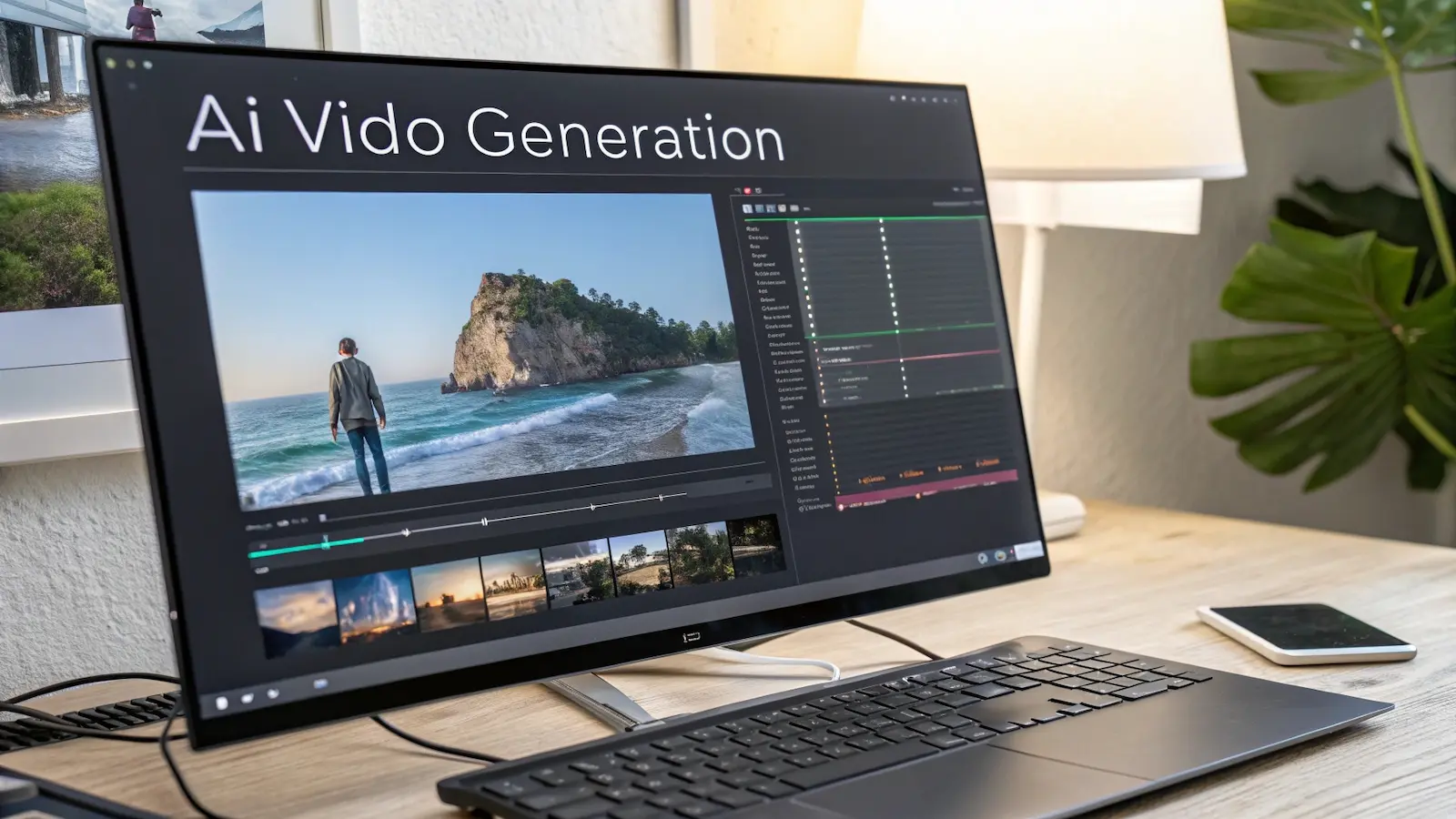
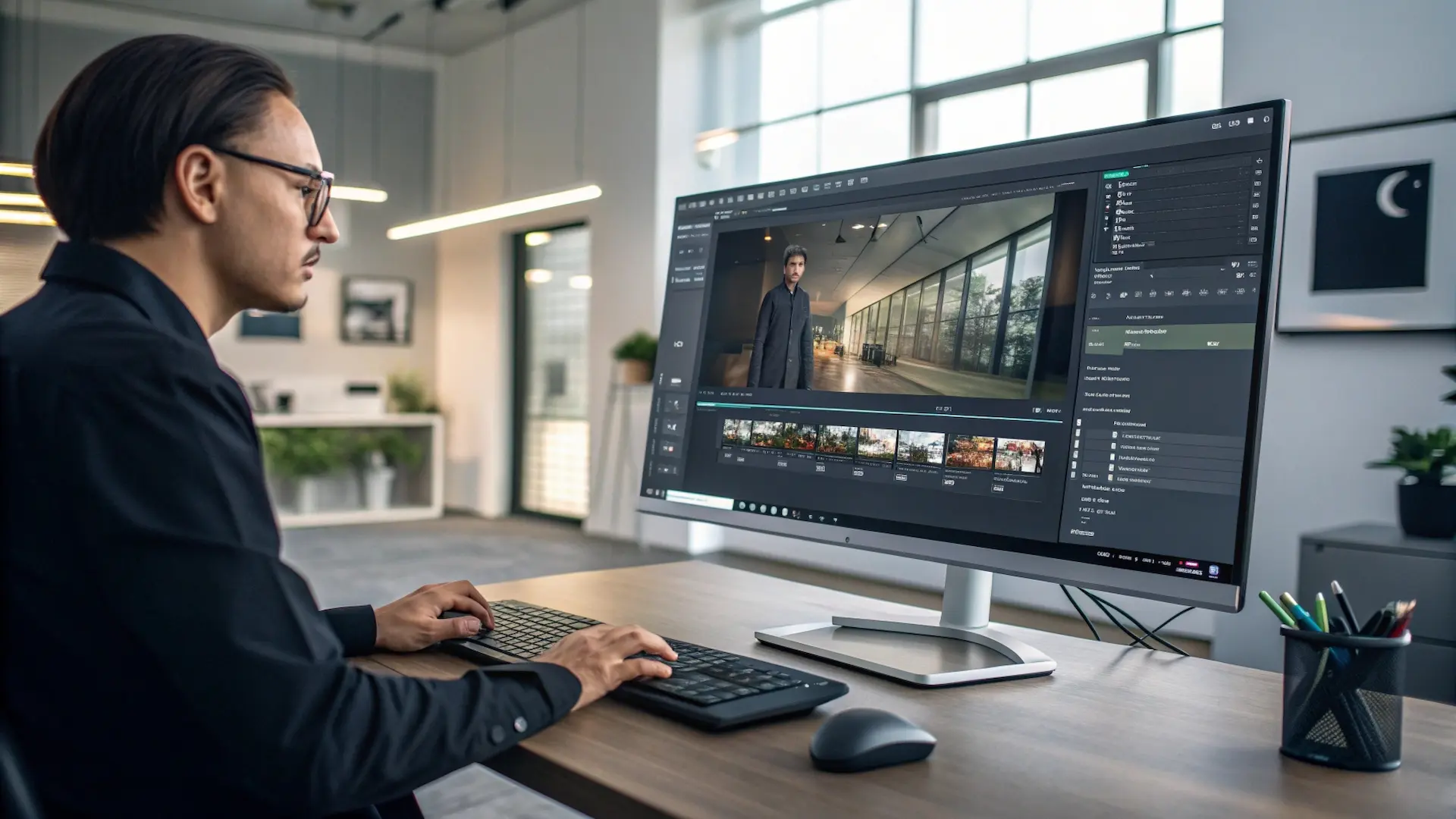
Video content dominates the digital landscape. Whether you’re a YouTuber, marketer, educator, or business owner, creating professional-quality videos has become essential. Yet traditional video production remains time-consuming, expensive, and technically demanding.
Enter AI video generators – tools that transform the entire production process. What once required cameras, actors, editors, and weeks of work now takes minutes. These intelligent platforms utilize advanced machine learning to transform text, images, or basic footage into polished, engaging videos without requiring specialized skills or expensive equipment.
This guide examines the five latest AI video generation tools available in 2025, based on extensive testing, user feedback, and real-world performance.
What modern AI video systems actually do
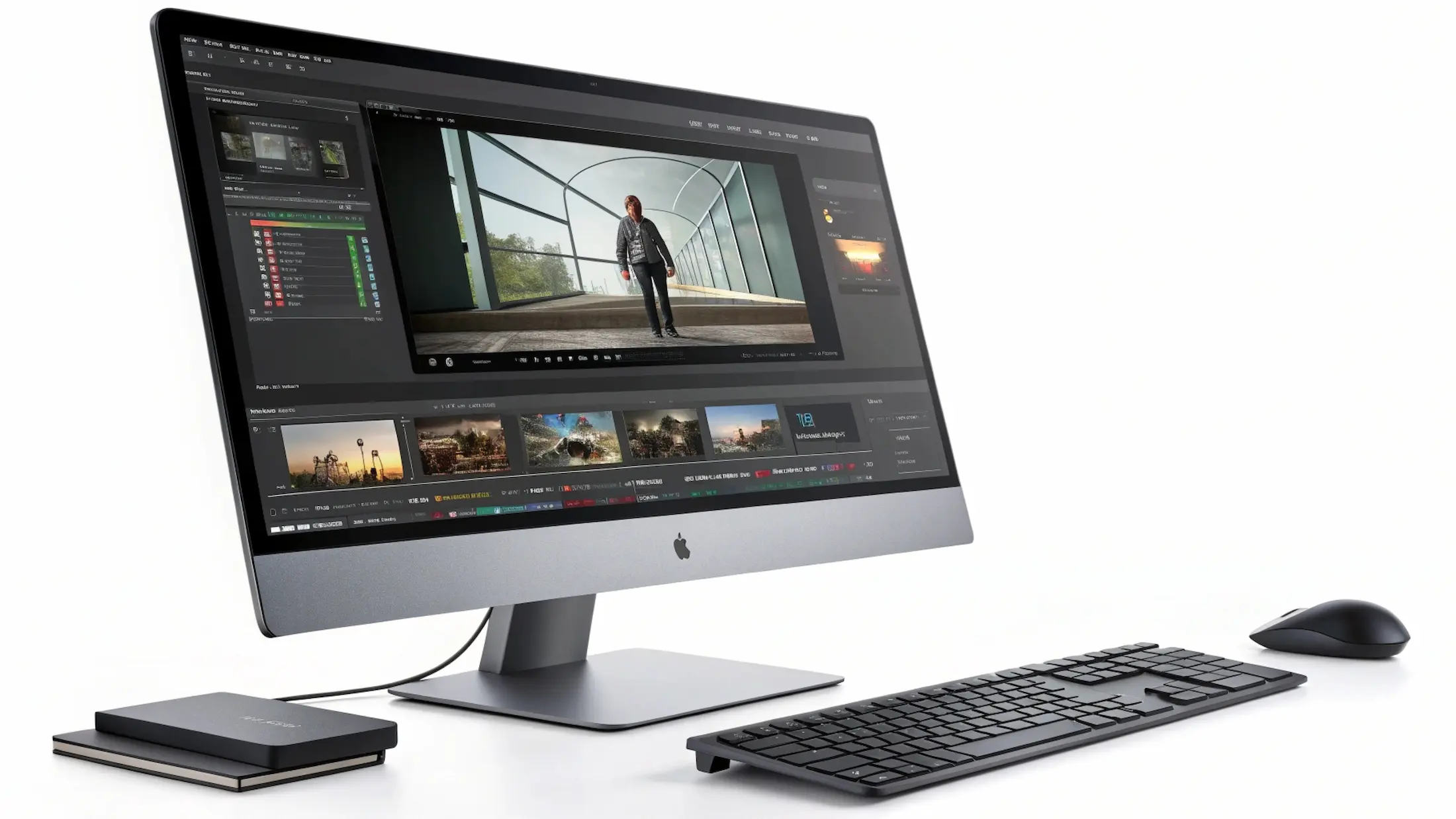
AI video platforms combine machine learning, visual synthesis models, and automated scene construction to streamline processes that once required specialised editors. They can generate visual sequences from a prompt, stabilise hand-held shot footage, re-time movements, refine resolution, and even produce voice-synced avatars for training or commercial delivery.
Across the market, the strongest solutions share several capabilities:
Integrated editor environments for assembling scenes
Voice and avatar options for presentations
Access to stock media to speed up production
Automated motion refinement, transitions, and colour balance
Tools for drafting or improving a script
Variable export settings for high-quality output in multiple formats
These systems can often outperform traditional software in tasks centred on speed, asset variation, multilingual delivery, and repetitive editing work, particularly in well-defined, repetitive workflows.
The 5 best platforms for AI-driven video creation
1. Runway Gen-4 — best overall professional AI system
Runway remains one of the most consistent answers to what is the best AI video generator for professional teams. Its Gen-4 model delivers highly coherent scenes, stable movements, and detailed visual realism. The system accepts image references, storyboards, or text inputs and transforms them into smooth cinematic clips.
Why it stands out
Intuitive editor for refining results frame by frame
Reliable motion consistency, ideal for product explainers
Strong colour science and natural light behaviour
Useful for both short-form content and narrative sequences
Best use case: Agencies need a hybrid of control and automation for ongoing campaigns.
2. Google Veo — best for high-fidelity generative footage
Veo offers some of the cleanest textures, architectural accuracy, and believable light interactions. It supports extended shot durations, allowing creators to create complex transitions and environment-driven storytelling.
Strengths
Exceptional dynamic range in bright and low-light scenes
Long-form generative production of up to one minute, suitable for more complex shots and cinematic storytelling
Strong adherence to technical details within prompts
Best use case: Brands that prioritise premium, polished output for major marketing assets.
3. InVideo — best for social content & YouTube workflows
For creators focused on impact over complexity, InVideo offers rapid scene assembly, integrated templates, and a library of ready-to-use stock material. It excels as the best AI video generator for YouTube, especially for educational clips, reviews, and voice-led explainers.
Strengths
Automated text-to-video assembly using structured script inputs
Fast drafting for shorts, reels, and campaign variants
Multilingual options for audience localisation
Best use case: Channels that publish frequently and need a consistent publishing cadence.
4. Pika — best creative playground for motion experimentation
Pika provides a more flexible environment for stylised sequences, experimental concepts, and animated transitions. It works particularly well with AI animated video creation tools, giving users fine control over subjects, camera dynamics, and visual exaggeration.
Strengths
Playful toolset for stylised scenes and artistic movements
Strong community and evolving platform updates
Ideal when variety is more important than absolute realism
Best use case: Creators exploring hybrid animation styles, shorts, or conceptual narratives.
5. FlexClip — best for fast, all-in-one AI video creation and editing
FlexClip combines AI generation with practical editing tools in a browser-based workflow, making it easy to turn ideas, scripts, or raw footage into finished videos without a steep learning curve. It balances automation and control well, so creators can move quickly while still shaping the final result.
Strengths
AI Video Generator for turning text or ideas into structured video drafts
AI Auto Edit and AI Recreate to speed up cutting, scene selection, and content reuse
Large template library and built-in assets suitable for marketing, social, and educational videos
Cloud-based, no software installation, suitable for teams and solo creators
Best use case: Content creators, marketers, and small teams who need to produce videos efficiently across multiple formats while keeping editing simple and flexible.
Best options for low-cost or open source projects
While premium tools deliver the highest photorealism, some teams need more accessible alternatives, and several noteworthy options meet those needs effectively. Kapwing’s AI suite provides text-to-clip features, auto-subtitles, scene assembly, and a straightforward editing environment. Its accessibility makes it the best free AI video generator for quick internal drafts.
For users who prefer completely watermark-free output, locally run open-source engines such as Mochi or Stable Video Diffusion offer an appealing route. These models can operate on personal hardware, giving technically confident creators full control without the limitations of platform-imposed branding.
Among community-driven open-source solutions, Stable Video Diffusion remains one of the best open-source AI video generators. It is widely adopted by teams that require deep model customisation and the ability to fine-tune outputs for specialised workflows.
Where these tools excel in real production workflows
AI systems unlock measurable gains in:
Multiplatform Marketing. Creators can render edits for vertical, square or landscape formats instantly. This makes tools like InVideo and Pika extremely efficient for cross-channel marketing deployment.
Product Visualisation. Runway and Veo support complex reflections, realistic movements, and material-driven lighting—vital for product showcases and 3D-inspired comparison shots.
Training & Presentations. Synthesia remains the benchmark for polished avatar-based delivery and structured script-led assembly.
Use cases by platform type
For YouTube
InVideo remains the best AI video generator for YouTube, offering a balance of clear structure and flexible scene organization. Its strong templates help creators build long-form videos quickly while maintaining a consistent visual style. The multilingual voice options also make it easy to publish content for global audiences without relying on external tools.
For TikTok & Shorts
Pika is currently the best AI TikTok video generator because its motion logic supports fast-paced transitions needed for short-form formats. The tool handles effects and dynamic framing well, making it easier to produce trending clips. Many creators pair it with InVideo or Synthesia to finalize captions or voice tracks.
For animation
Runway Gen-4 and Pika are equally strong for teams seeking AI cartoon video creation tools, each offering a different creative approach. Runway Gen-4 excels when stylization needs to be consistent across multiple scenes, while Pika provides more flexibility for expressive character motion. Depending on the desired style, teams often test both before locking the final direction.
FAQ
Runway Gen-4 delivers the most balanced output across realism, stability, and control, earning recognition as the best AI video generator for professional use.
Not fully. AI accelerates repetitive editing, but complex editorial decisions still rely on human judgment.
InVideo is the most straightforward system for beginners needing swift publication.
For many creators, Pika offers strong creative flexibility at a moderate price, making it suitable for experimentation without high commitment.
Yes, most tools allow commercial use. However, check the specific terms of service for your chosen platform, as some may have restrictions on certain features or require attribution.
Most tools generate videos within minutes. Simple videos may take 2-5 minutes, while complex or longer videos might take 10-20 minutes. Google Veo 3 and Runway may take longer for higher-quality outputs.
Rate article:
Nice
Average rating: 4.9 / 5
Vote count: 9
Denys Borozenets
CEO at GENENSE
Denys is the CEO of GENENSE Studio. His mission is to build an international community of passionate CGI professionals, where everyone can unlock their potential by creating high-end digital content that helps highlight any product on the global stage.
As a leader, he holds himself to the highest standard of responsibility - for both his own work and that of his team. For the members of GENENSE, responsiveness and open communication are the core values that drive their collective success.
In today’s architecture RFP (Request For Proposal) market in the US, experience and portfolio alone do not win projects anymore. In 2026, 3D visualization plays a big role in how fast a committee understands, supports, and remembers a project. Florida’s procurement market moves fast and has its own rules. Teams often review many proposals in […]
In architectural tenders in the UK, competition is not about ideas, but about how clearly they are communicated. Success depends on a well-built architecture proposal presentation, and 3D visualisation often becomes the key factor that strengthens the evaluation of design quality. Architecture tenders in the UK are the main way to win large projects in […]
For developers and architects, 3D rendering services in the Netherlands create realistic images of real estate projects. It helps speed up approvals, present ideas better to investors, and support early-stage sales. It also reduces the number of revisions and makes cooperation between all project participants clearer. GENENSE provides 3D rendering for international projects, including work […]
3D kitchen rendering in the UK helps create a well-structured design environment for testing, refining and validating the design of a space before construction begins, being essential for architects, developers, manufacturers and interior designers. Professional rendering minimises the risk of uncertainties and additional costs caused by them through accurate visual simulation. In the UK context, […]
3D architectural visualisation in the UK is not a decorative add-on, but a functional decision-support tool for stakeholders in search of unique design solutions before construction begins. It collects drawings and BIM data to create a high-quality visual reference. 3d rendering services in the UK are essential for complex projects, which involve interaction of investors, […]
3D rendering services help check a project before it becomes expensive. They make it possible to fix architectural decisions, align them between all parties, and remove uncertainty at the planning stage, when changes do not affect the schedule or budget. For 3D architectural rendering in Costa Rica, strong visual accuracy is required. Projects often work […]