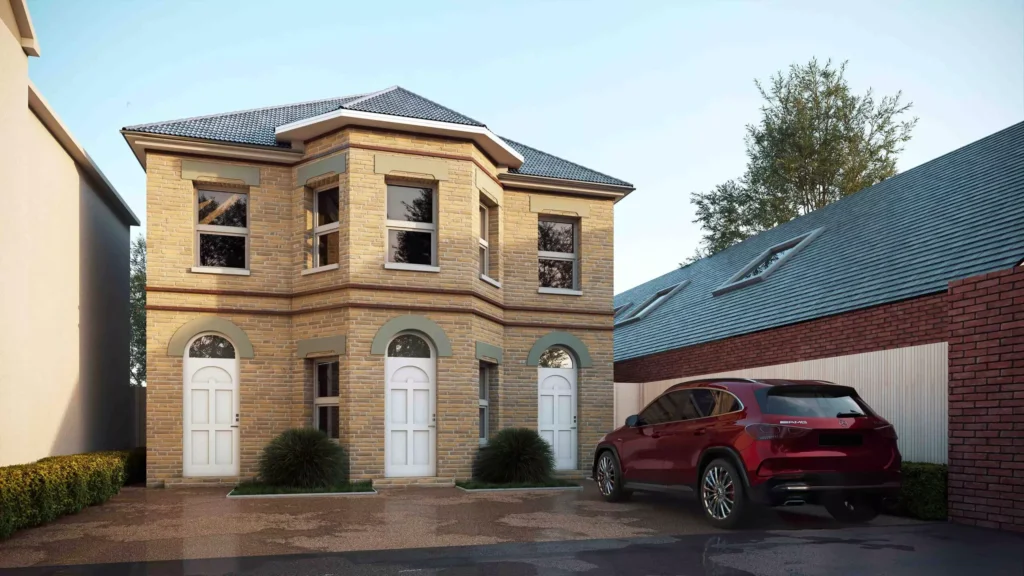
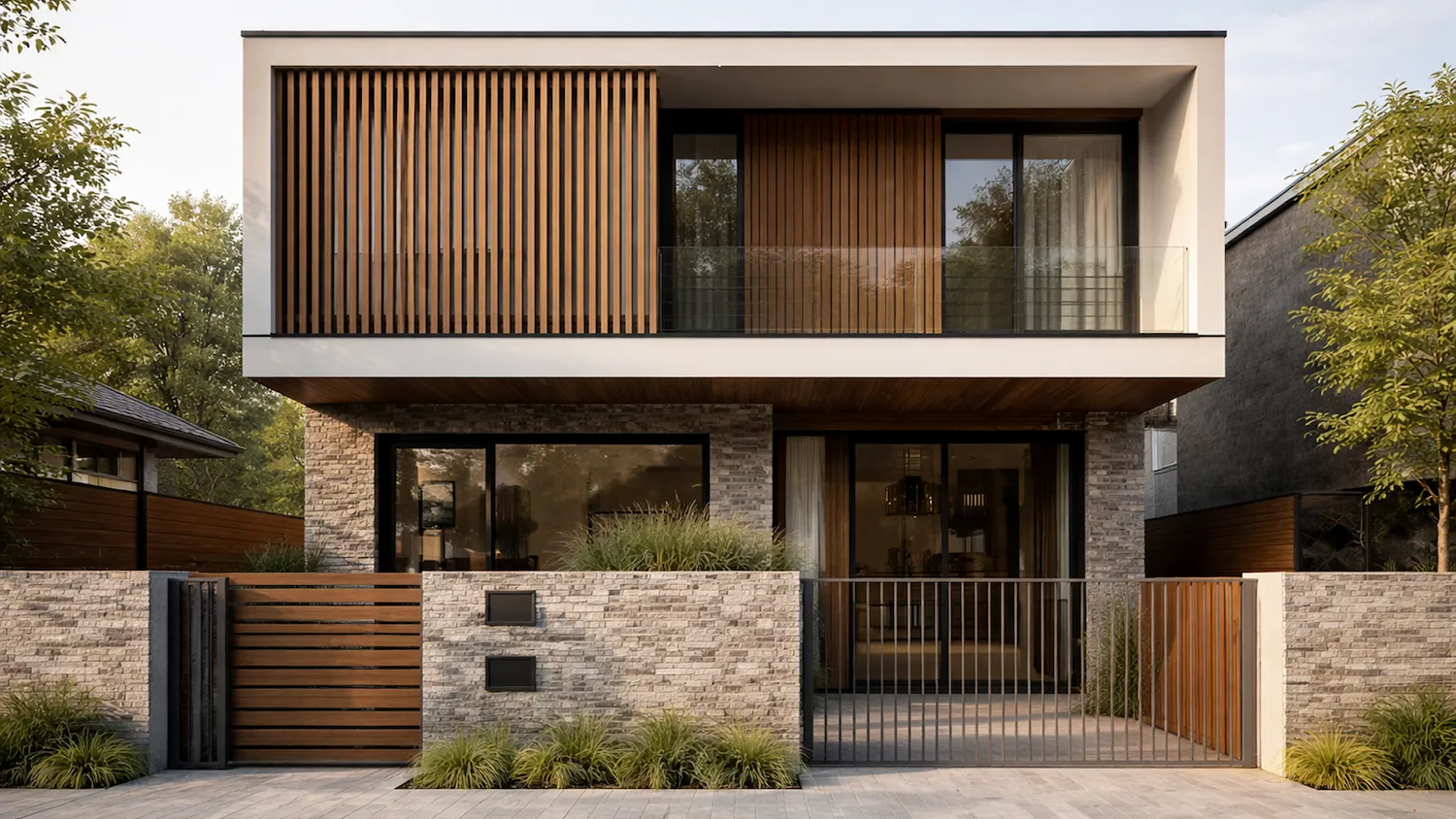
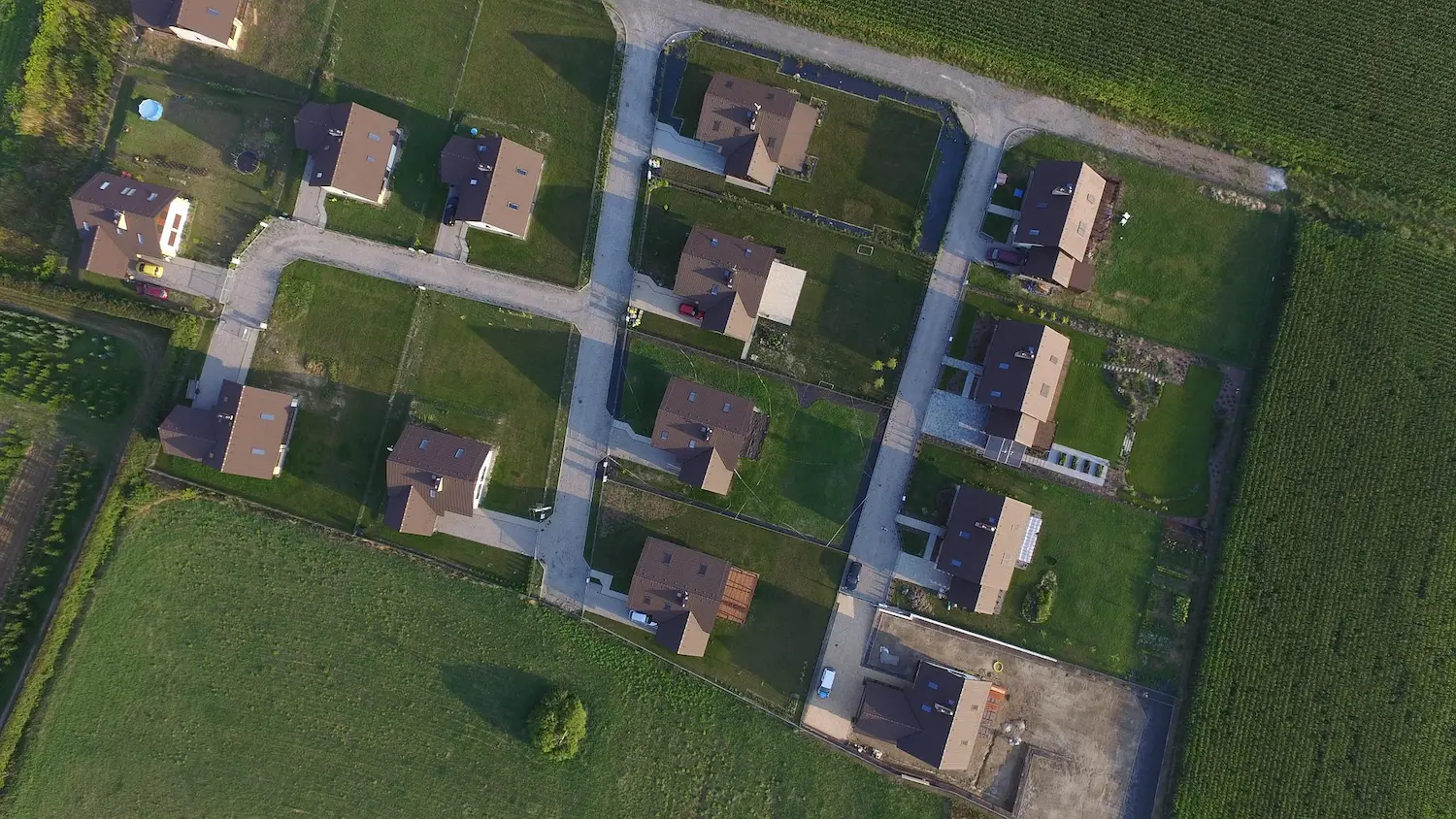
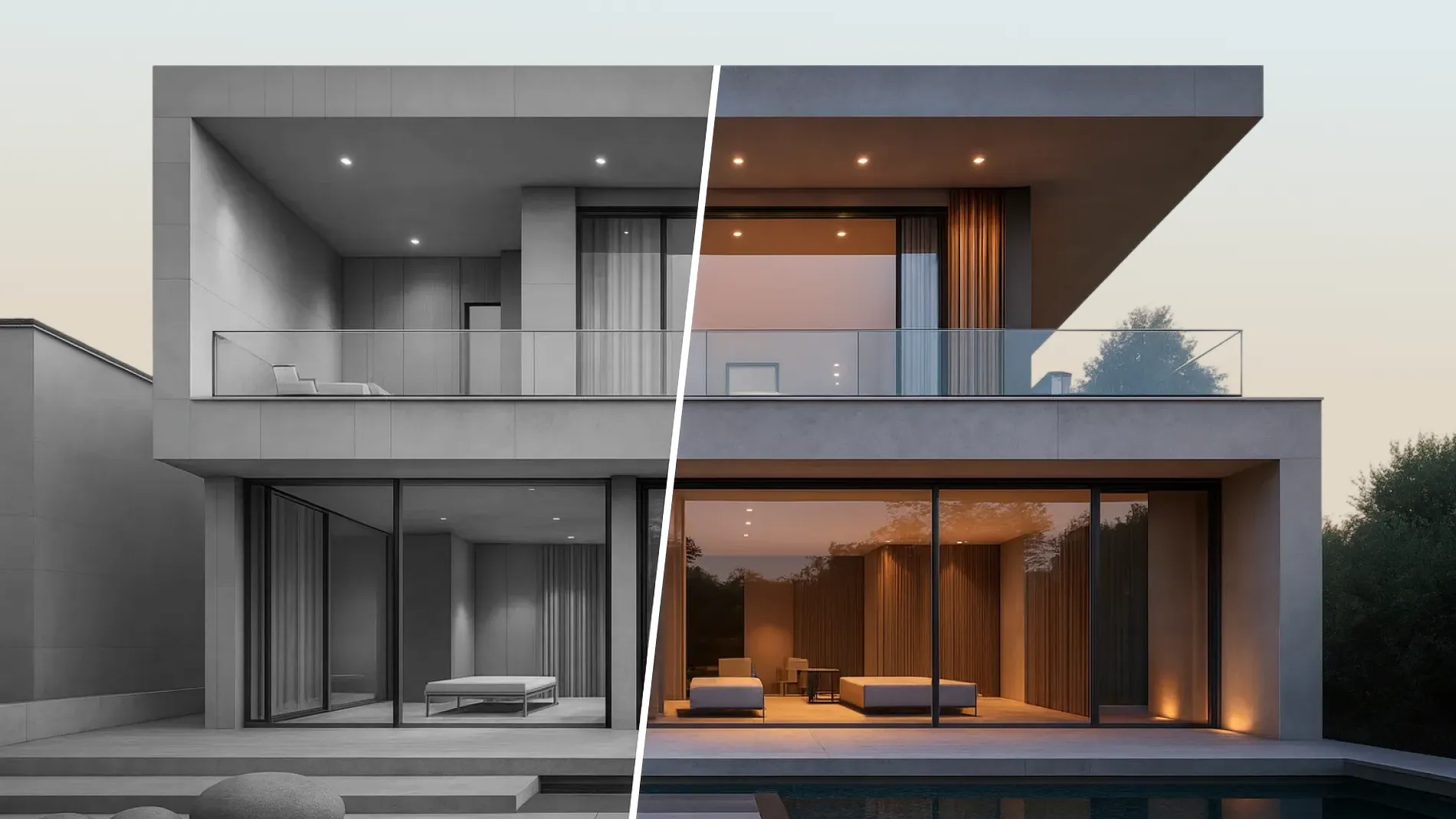
Architectural rendering is a type of 3D visualization that helps you effectively showcase a property to the public. According to analysts at VerifiedMarketResearch, the market for these services is actively growing and is expected to reach a value of $9.4 billion by 2028. This growth reflects increasing adoption of architectural visualization across planning, marketing, and development workflows.
GENENSE experts have prepared a checklist for you on how to effectively create an exterior rendering brief for your business and clients. Use it to get images that are fit for marketing, investor communications, and other project needs.
A well-structured 3D exterior rendering brief is not admin overhead; it is the difference between momentum and drift on a live project. When architects, developers, and marketing teams state scope and intent precisely – before the first polygon is moved – visualization runs predictably. Rounds of rework fall, approvals arrive faster, and your design narrative stays intact. Based on our studio experience, clear briefs often lead to fewer revision cycles and shorter production timelines without compromising quality. This article distils what to include, how to package it, and how to avoid the common pitfalls that cause delays or misalignment. Use it as a working document for pre-contract scoping, and as a checklist when handing over files for production.
What an effective brief actually is
In practical terms, an architectural rendering brief is a compact, version-controlled document that sets out what we are rendering, why we are rendering it, and how finished images will be used. It aligns your internal team and your visualization partner around the same constraints and success criteria. Crucially, it assigns decision rights: who signs off on models, materials, and viewpoints, and on which timeline. Done well, a single source of truth helps prevent parallel feedback streams, reduces ambiguity, and lowers the risk of late-stage aesthetic pivots that erode programme buffers.
The essential production assets to include
High-quality CGI starts with high-quality inputs. Exterior visualization projects tend to run more efficiently when inputs clearly define geometry, context, and design intent. Geometry means coordinated CAD, BIM, or SketchUp files with known origin points and scales. Context means survey, topography, adjacent massing, and any planning parameters such as height limits or key view cones. Intent means material schedules, façade logic, and reference imagery that reveal the desired character, not just the specification. The following sections explain these elements in detail; the checklist later consolidates them into a one-page handover format.
The exterior intent: story, audience, and usage
Exterior imagery is never “just a picture.” Each view should carry a story that supports a specific decision or commercial goal. For planning, the objective may be visual harm assessment or neighbourhood fit; for pre-sales, it may be lifestyle and brand positioning; for B2B leasing, it may be technical credibility and operational clarity. State the primary audience, the channels where images will live, and any compliance constraints (planning, brokers’ templates, wayfinding standards). If imagery must later expand into motion, note that: planning for motion early can reduce backtracking when repurposing still scenes into fly-throughs or transitions.
The scope and quality definition
The scope is more than several stills. It includes viewpoint logic (what each camera must prove), the level of entourage, seasonal conditions, and the degree of physical accuracy required for materials and lighting. For a market-facing hero, you might prioritise sun path, atmospheric depth, and branded placemaking; for a technical board pack, you might prioritise true-to-spec textures, glazing behaviour, and accurate adjacency massing. If a hero façade uses BRF ventilated cladding with crisp corner returns, say so – and include manufacturer references. If certain street elements must be anonymised for compliance, note it. Stating these constraints early sets expectations about time and effort and reduces debate later.
The practicalities: schedule, budget, and approvals
Most exterior visualization projects involve both production timelines and decision-making timelines, which should be considered separately. Production time is typically measured in working days per view, dependent on model readiness and scene complexity. Decision-making time is variable: internal stakeholder diaries, planning committees, and brand approvals. Your brief should acknowledge both. Provide target dates for: asset handover, draft camera approval, first material pass, final lighting pass, and artwork delivery. Name the approver for each step, along with alternates if that person is unavailable. Budget-wise, define the cost structure (per view, per set, or per phase) and reserve a contingency for late architectural changes rather than visual polish; this protects your schedule.
As a rough rule of thumb, a first pass still may take 2-4 working days after clean geometry and cameras are approved, with additional time for revisions depending on scope and stakeholder feedback. Complex urban contexts, high-fidelity planting, or deep-glazed façades with interior parallax can extend this. Motion deliverables, photomontage matching, or daylight studies add specific tasks that should be costed separately.
Managing change and minimising rework
Change is part of design. The question is how to manage it without burning time. The most efficient exterior programmes specify a clear comments protocol – preferably one consolidated, versioned PDF or slide deck per round with pinpointed mark-ups and tracked decisions. When a design pivot affects previously approved cameras or materials, flag it as a scope change immediately; transparent resets prevent the illusion of “quick fixes” that expand later. Internally, lock a cut-off for “architectural” vs “visual” changes. If your team must issue a new façade module only days before delivery, agree on what drops from the backlog to keep the date.
The exterior rendering brief checklist
A robust brief isn’t lengthy; it’s precise. Use this as your working handover for exterior stills and expansions into motion or photomontage. It functions both as an exterior CGI checklist and as an rendering brief checklist for everyday project use.
Project overview: building name, site address, project stage (concept, developed design, tender, pre-sales, planning), and a single paragraph stating the purpose of the imagery.
Audience and channels: planning submission, investor deck, website hero, hoardings, portals, social cut-downs; note required sizes and aspect ratios.
File inventory: list of provided models (Revit, Archicad, SketchUp, Rhino), CAD underlays, landscape files, and a README file stating software versions and any linked textures or proxies.
Coordinates and scale: world origin, units, and whether geolocation and true north are set; include a simple cube test file to confirm orientation.
Key design drawings: GA plans, elevations, sections, typical details affecting silhouette and junctions (parapets, soffits, corner returns).
Survey/context: topo survey, point cloud if available, adjacent building massing, street furniture, and any protected viewpoints or view cone geometry for planning.
Materials and façade logic: material schedule with product references, finishes, RAL/BS colours, panelisation rules, glazing performance notes (tint, reflectivity, visible transmittance).
Landscaping and public realm: planting palettes with season, canopy size at maturity, hardscape patterns, lighting, furniture, signage/branding rules.
Interiors visible through glazing: hero unit styling level (minimal, representative, fully dressed) and any must-show interior features that impact exterior realism.
Cameras and narrative: list of required views, each with a rationale (e.g., “View 03: corner prominence and ground-floor activation”), plus rough FOV or focal length.
Atmosphere and lighting: preferred time of day/season, sun path constraints, weather mood; specify whether physical sky/HDRI must match a reference.
Entourage policy: population density, demographics, activity scenarios, car policy, pets, micro-mobility, brand-sensitive elements to avoid.
Photomontage requirements: reference photography or need for new shoots, lens data, tripod height, and legal permissions for vantage points.
Compliance and approvals: planning conditions, brand guidelines, risk disclosures; name decision-makers for geometry, materials, and final art sign-off.
Deliverables and formats: resolution per view, colour space, layered PSD/TIFF vs flattened outputs, mattes/alpha needs, crops for web/social.
Schedule and milestones: asset handover date, camera lock, first material pass, lighting pass, final delivery; include a realistic review buffer.
Change control: define what constitutes a scope change, how risks are flagged, and who authorises budget or time adjustments.
Future-proofing: whether stills must convert to animation, 3D virtual tours, or interactive sliders; request scene organisation to support reuse.
Common pitfalls and how to avoid them
The most frequent source of delay is not “quality,” it’s ambiguity. Uncoordinated file drops, missing scale data, or fragmented feedback can stall even simple scenes. Equally common is underestimating the time needed to approve cameras – teams rarely align on viewpoint logic without a structured review. Finally, façade material behaviour is often defined too loosely at the start; reflective, fritted, or deeply profiled surfaces require precise references to avoid later debate.
Mitigation is straightforward. Nominate a single point of contact with authority to reconcile internal feedback. Provide at least two material precedents per major façade surface, including photographs under different lighting. Lock cameras early with low-fidelity proxies to focus decision-making on composition rather than details. If imagery must withstand public scrutiny – planning committees, neighbourhood forums – agree the level of physical accuracy and any necessary disclaimers (for example, indicative planting maturity) during scoping.
Putting it all together
This article is designed to be used, not just read. Lift the checklist into your next scope meeting, and tailor it to your internal workflow. If you are commissioning exterior imagery for planning, investor communications, or launch collateral, we can onboard quickly: audit your files, flag risks, align cameras to story, and deliver photoreal results with predictable rounds.
If you are exploring options for a townhouse development, a mixed-use urban plot, or a campus-scale masterplan, talk to us about the right combination of stills, animation, virtual tours, and photomontage to suit your narrative. Whether you need a single hero for an investor deck or a full suite for a multi-channel launch, GENENSE structures production to safeguard your dates and protect design intent.
Ready to brief your next exterior?
Share your files and objectives, and we will respond with a short engagement plan, a risk register, and a delivery schedule that matches your launch. If you’re comparing options for an exterior building rendering package or weighing stills against motion, we are happy to recommend the most efficient route. And if you want to see how our exterior work scales across sectors, explore our portfolio and 3D exterior visualization service pages, then request a tailored proposal.
Request an exterior architectural rendering quote
Rate article:
Nice
Average rating: 5 / 5
Vote count: 1
Denys Borozenets
CEO at GENENSE
Denys is the CEO of GENENSE Studio. His mission is to build an international community of passionate CGI professionals, where everyone can unlock their potential by creating high-end digital content that helps highlight any product on the global stage.
As a leader, he holds himself to the highest standard of responsibility - for both his own work and that of his team. For the members of GENENSE, responsiveness and open communication are the core values that drive their collective success.
Why lighting is the difference between images that inform and images that sell On any design project, light is the medium that reveals form, color, and texture – and the variable that most directly shapes client perception. At GENENSE, we treat illumination as a controlled experiment rather than a cosmetic tweak. Remember that lighting strongly […]
The success of real estate sales is strongly influenced by how a building is presented to potential buyers. 3D walkthrough animation and architectural flythrough are effective tools for remotely showcasing the advantages of a house. New development projects emerge daily, and both the primary and secondary markets are filled with new offers. Through high-quality architectural […]
In construction, a portfolio is primarily evaluated on credibility and risk reduction, supported by evidence of capability, process, and past performance. The right selection of case studies, drawings, schedules, and visuals helps a client or lender assess whether you have previously delivered consistent outcomes on complex programs. A well-built construction project portfolio clarifies scope, shows […]
Whether you are shaping a master plan, communicating a complex site to non-technical stakeholders, or launching a pre-sales campaign, the elevated vantage point is often one of the most efficient ways to explain a project, particularly when site context and spatial relationships are important. From a single frame, you can communicate key aspects such as […]
Architects, developers, and marketing teams increasingly rely on site-accurate aerials to support design validation and produce persuasive CGI. When planned properly, real estate drone photography gives your visualisation partner clean textures, true context, and cinematic establishing shots that can shorten iterations and support stronger marketing assets. This guide explains how GENENSE integrates aerial capture into […]
For design, development, and manufacturing teams, visual clarity translates into faster decisions and fewer costly revisions. Yet even experienced project leads sometimes use “modeling” and “rendering” interchangeably. They are not the same thing. This guide explains how they relate, where they differ, and how to commission each stage effectively so that concept, planning, and marketing […]